

How do I update Tickabell?
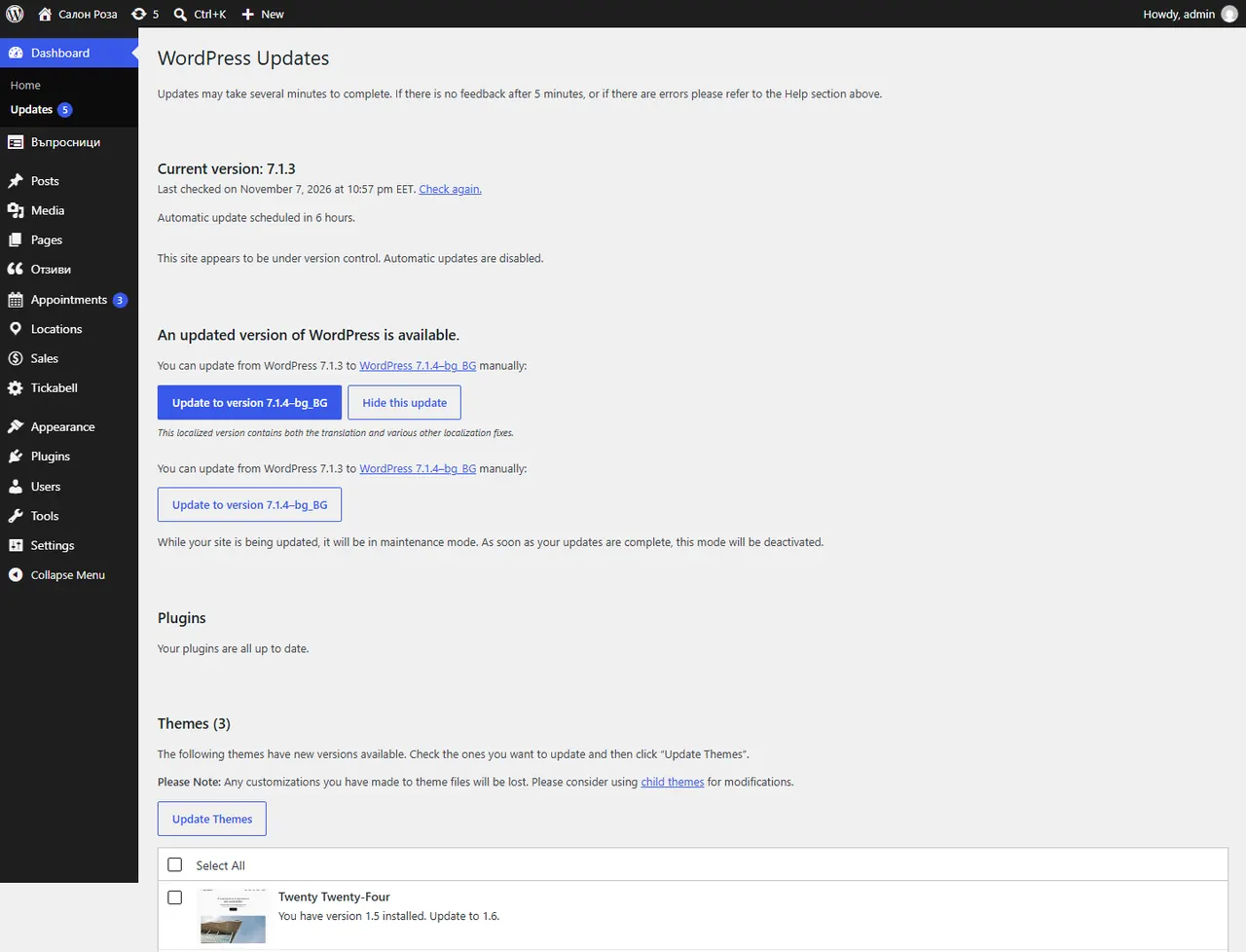
New versions appear in Dashboard › Updates like any other plugin. You update with one button.
Where: Dashboard›Updates
Steps
- Open Dashboard › Updates.
- Tick Tickabell and press “Update Plugins”.
Good to knowUpdates come only from the Tickabell server and are signed. A valid licence is needed.
Related articles
Was this article helpful?