

How do I use a package or a voucher when booking?
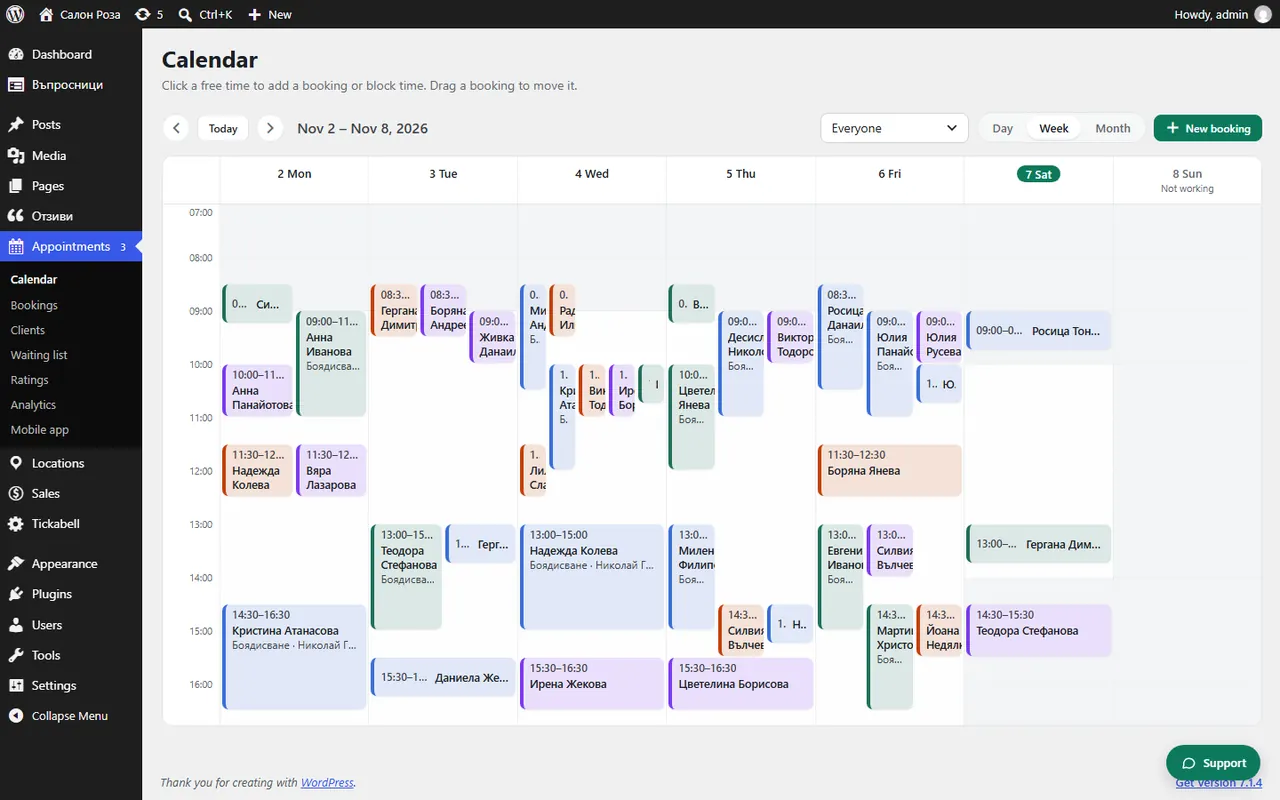
When you make a new booking from the calendar, enter the code in “Code of a package or voucher”. The visit is then taken off the client's card.
Where: Appointments›Calendar›New booking›Code of a package or voucher
Steps
- Start a new booking from Appointments › Calendar.
- Fill in the service and the client.
- In “Code of a package or voucher” enter the code from the client's card or voucher.
- Press “Save”.
Good to knowWhen clients book on the website themselves, they enter the code in the form.
Related articles
Was this article helpful?