

A team member or a service does not show in the form
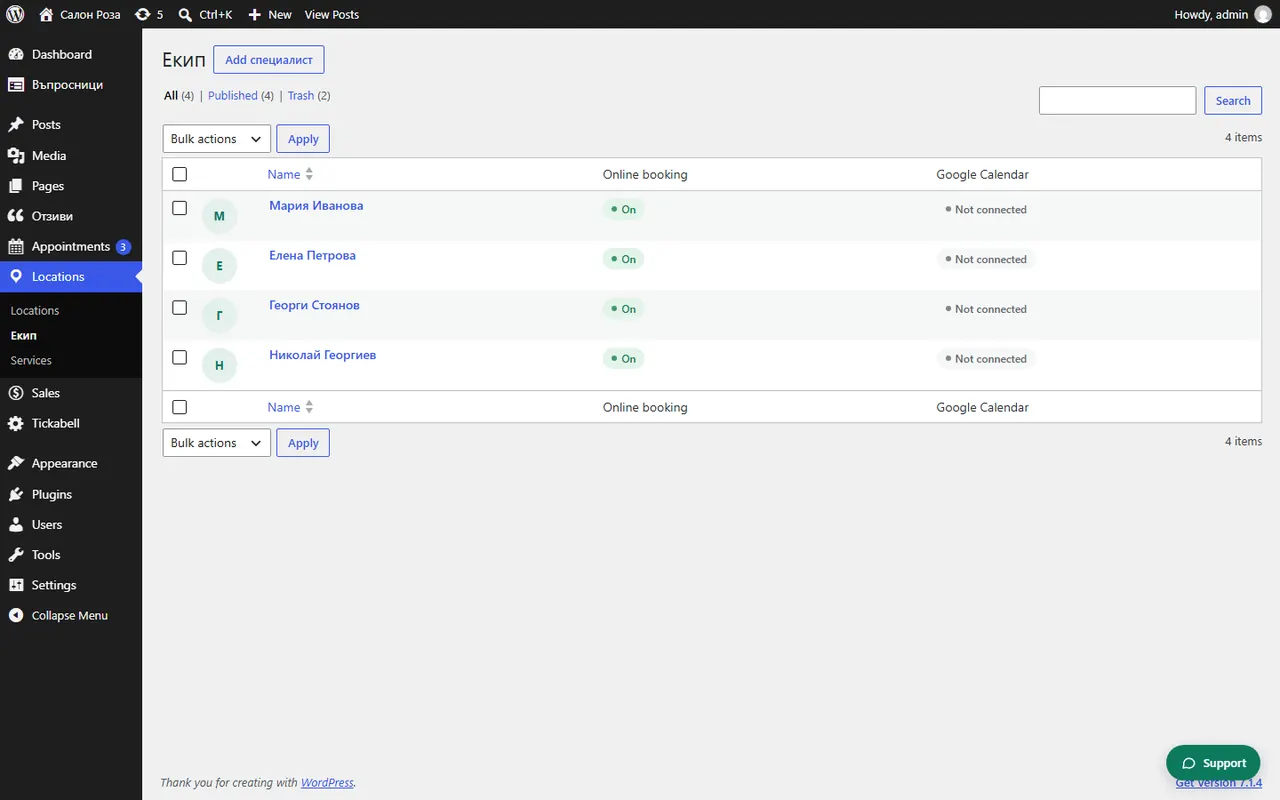
A team member is shown if they are published, accept online bookings and offer at least one service. A service is shown if it is published and at least one person offers it.
Where: Locations›Team›Services
Steps
- In Locations › Team check that the profile is published and not a draft.
- Check that “Accepts online bookings” is on.
- Check under “Services & prices” that they offer the service.
- In Locations › Services check that the service is published and that a person is ticked under “Team”.
- If you have several locations, check that the person and the service are in the same location.
Good to knowIf you use the form for one team member or with a filter in the shortcode, it shows only those.
Related articles
- How do I choose which team members offer the service?
- How do I show the form for one team member only?
- How do I add a second location?
Was this article helpful?