

How do I cancel only one, or all the following, repeating appointments?
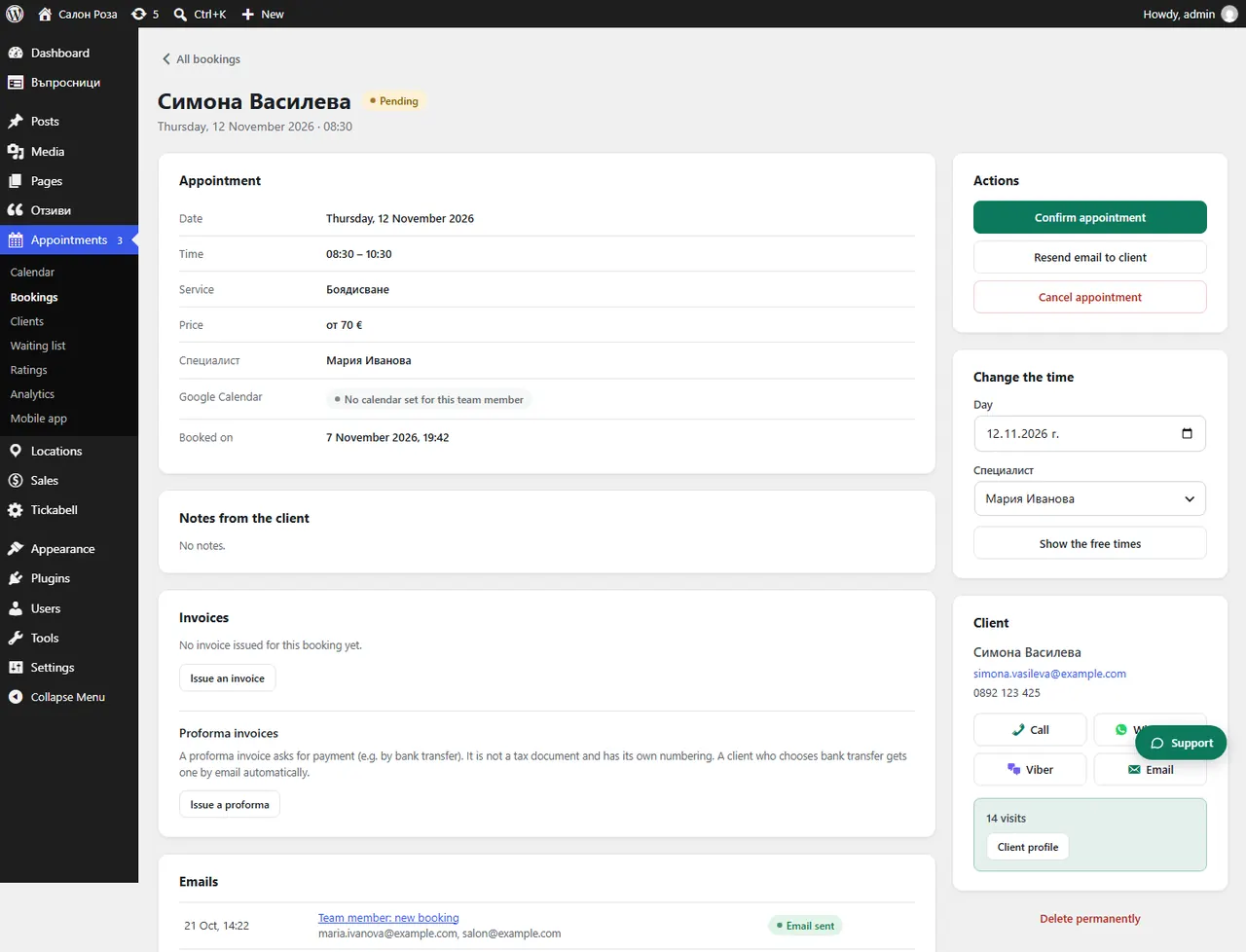
Open an appointment of the series. There are two buttons: “Cancel only this one” and one that cancels this appointment and the following ones.
Where: Appointments›Bookings›(booking)›Cancel appointment
Steps
- Open the appointment from Appointments › Bookings, or from the calendar with “Open booking”.
- For one appointment press “Cancel only this one”.
- For the rest of the series press “Cancel this and the following”. The client gets one email about all of them.
Good to knowPast appointments of the series do not change.
Related articles
Was this article helpful?