

How do I delete an appointment permanently?
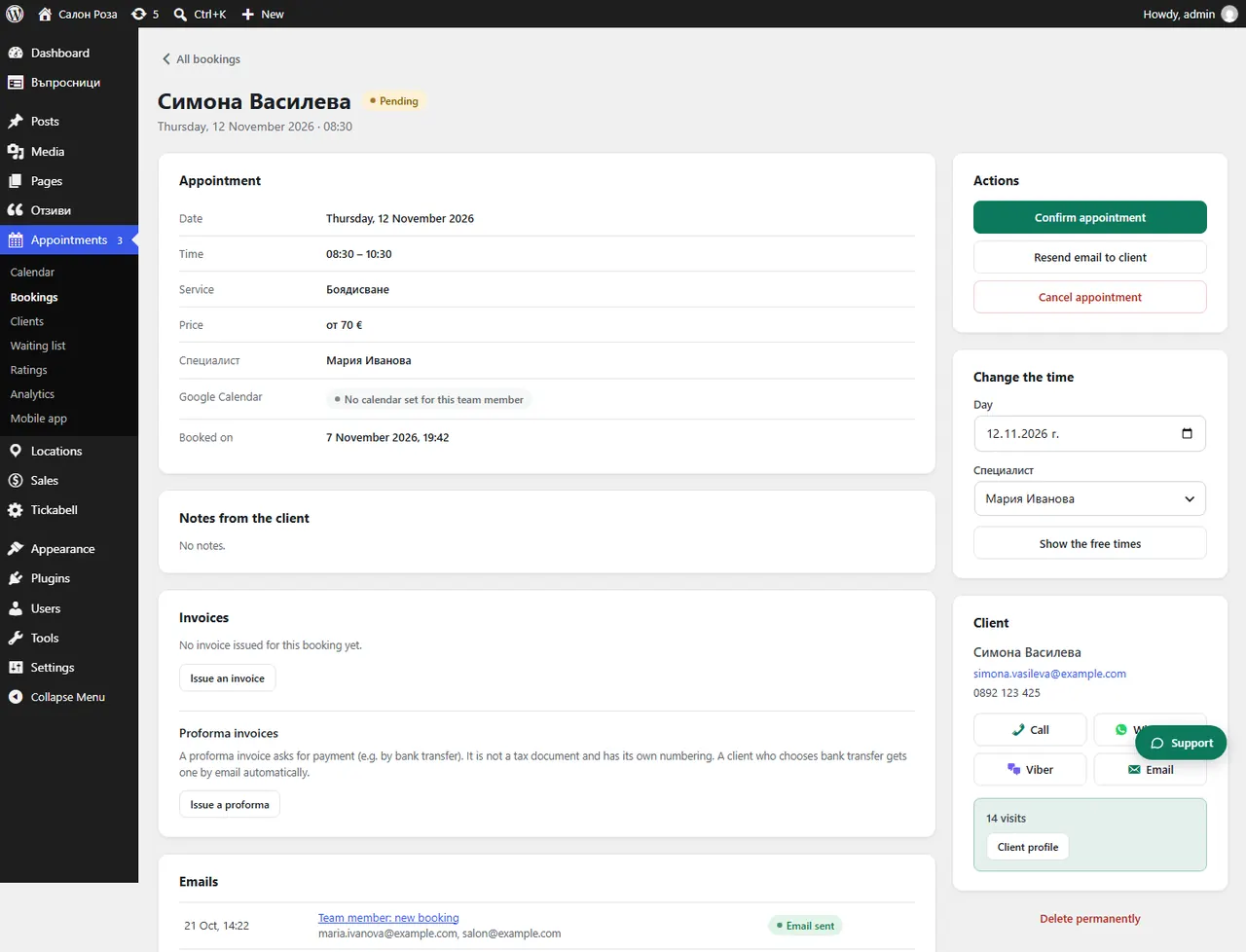
Open the appointment and press “Delete permanently”. The booking and its files are deleted.
Where: Appointments›Bookings›(booking)›Delete permanently
Steps
- Open the appointment from Appointments › Bookings.
- Press “Delete permanently” and confirm.
Good to knowIf the appointment has an N-18 document or an invoice, it is not deleted, because documents must be kept for the accounts. It stays as cancelled, without the client's phone, notes and files.
Related articles
- How do I cancel an appointment and what does the client get?
- How do I do one action for many appointments at once?
Was this article helpful?