

How do I put categories and services in order?
Drag the rows in the list of categories or of services. The new order applies at once, in the form too.
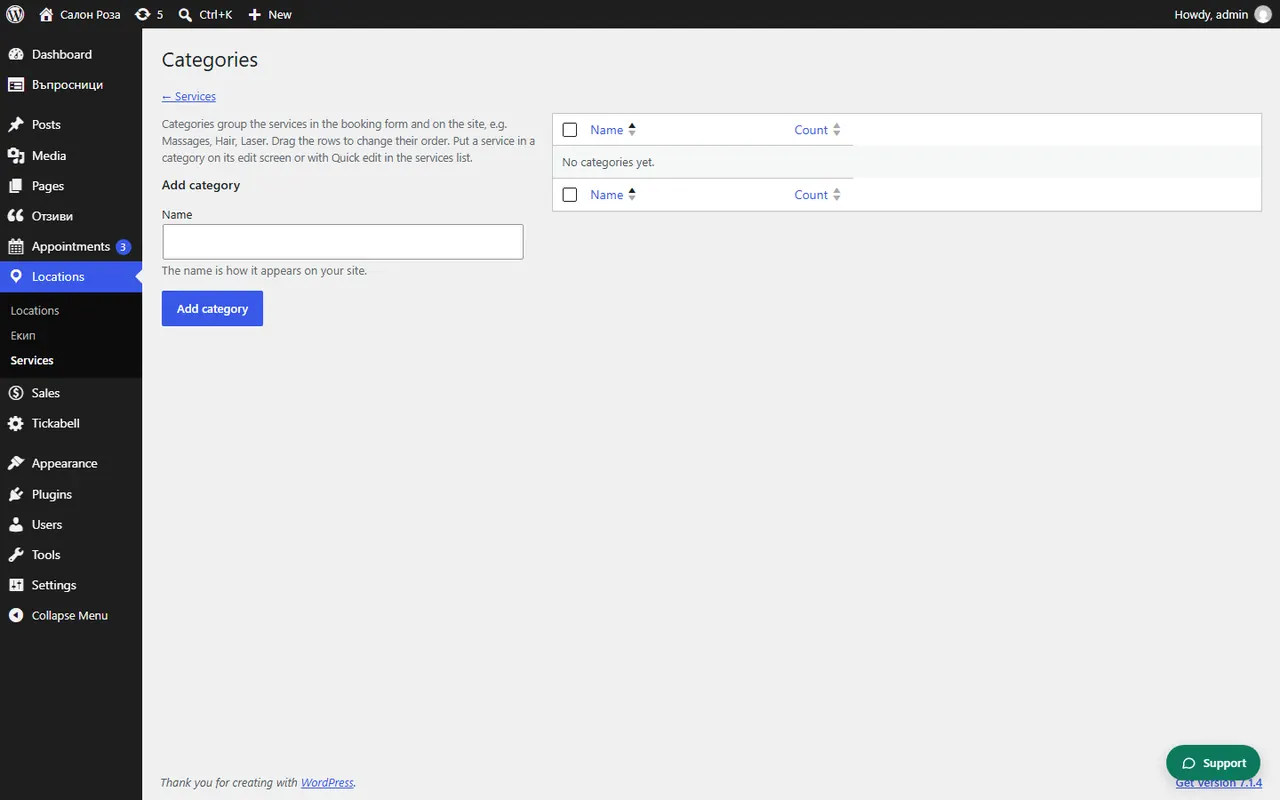
Where: Locations›Services›Categories
Steps
- Open Locations › Services.
- Pick up the row of the service and drag it to its new place.
- For categories, open “Categories” at the top and drag the rows the same way.
Good to knowIf you see that the order was not saved, reload the page and try again.
Related articles
Was this article helpful?