

How do I mark that the transfer has arrived?
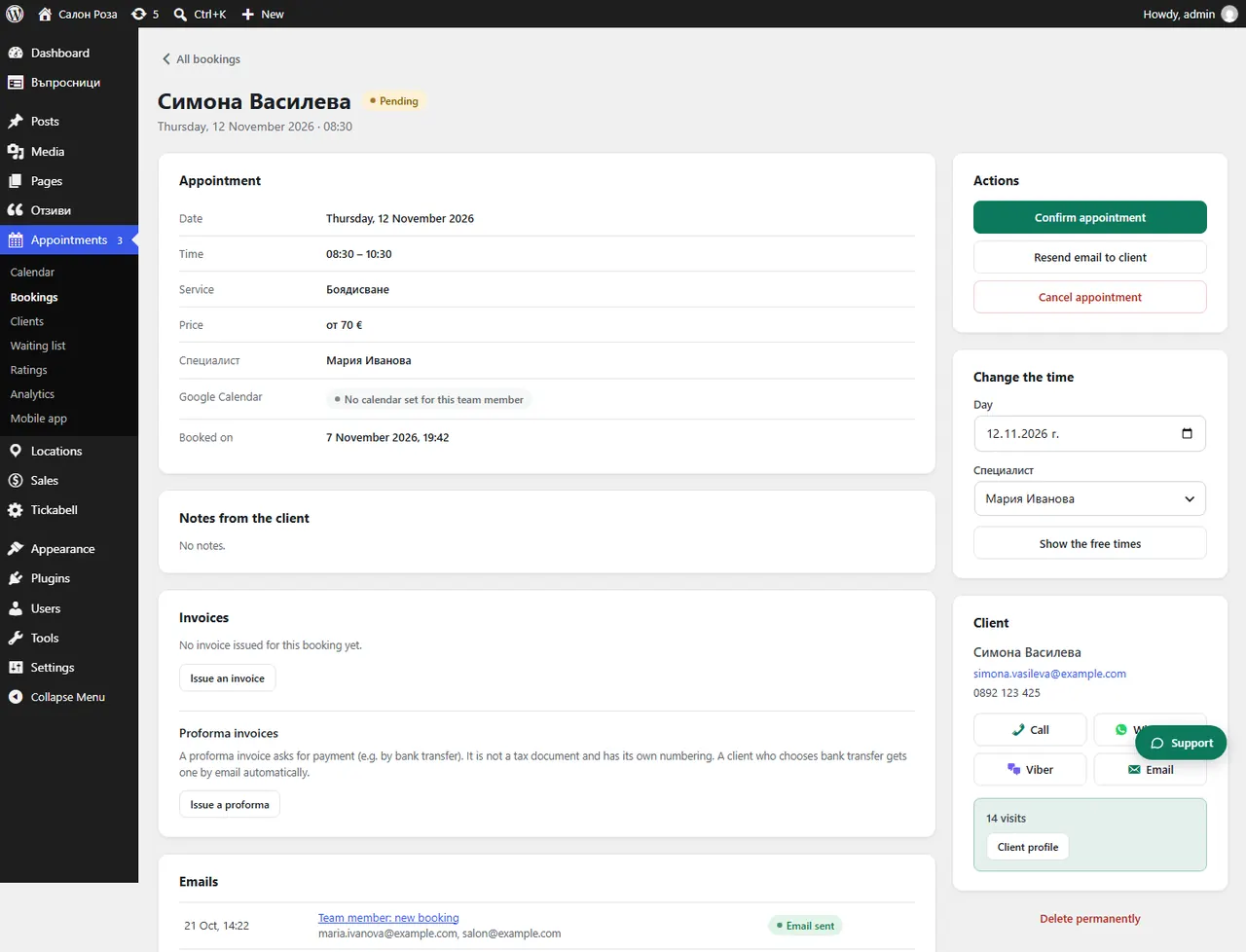
Open the booking and press “Payment received”. The booking goes ahead and the client gets an email.
Where: Appointments›Bookings›(booking)›Payment received
Steps
- Open Appointments › Bookings and the booking. It says that a bank transfer of the amount is awaited.
- Check in your bank that the money has arrived.
- Press “Payment received” and confirm.
Good to knowIn the list of bookings these have the status “Waiting for transfer”. If the transfer does not arrive within the “Days to pay”, the booking is cancelled by itself and the client is told.
Related articles
Was this article helpful?