

How do I issue a sales document or a storno?
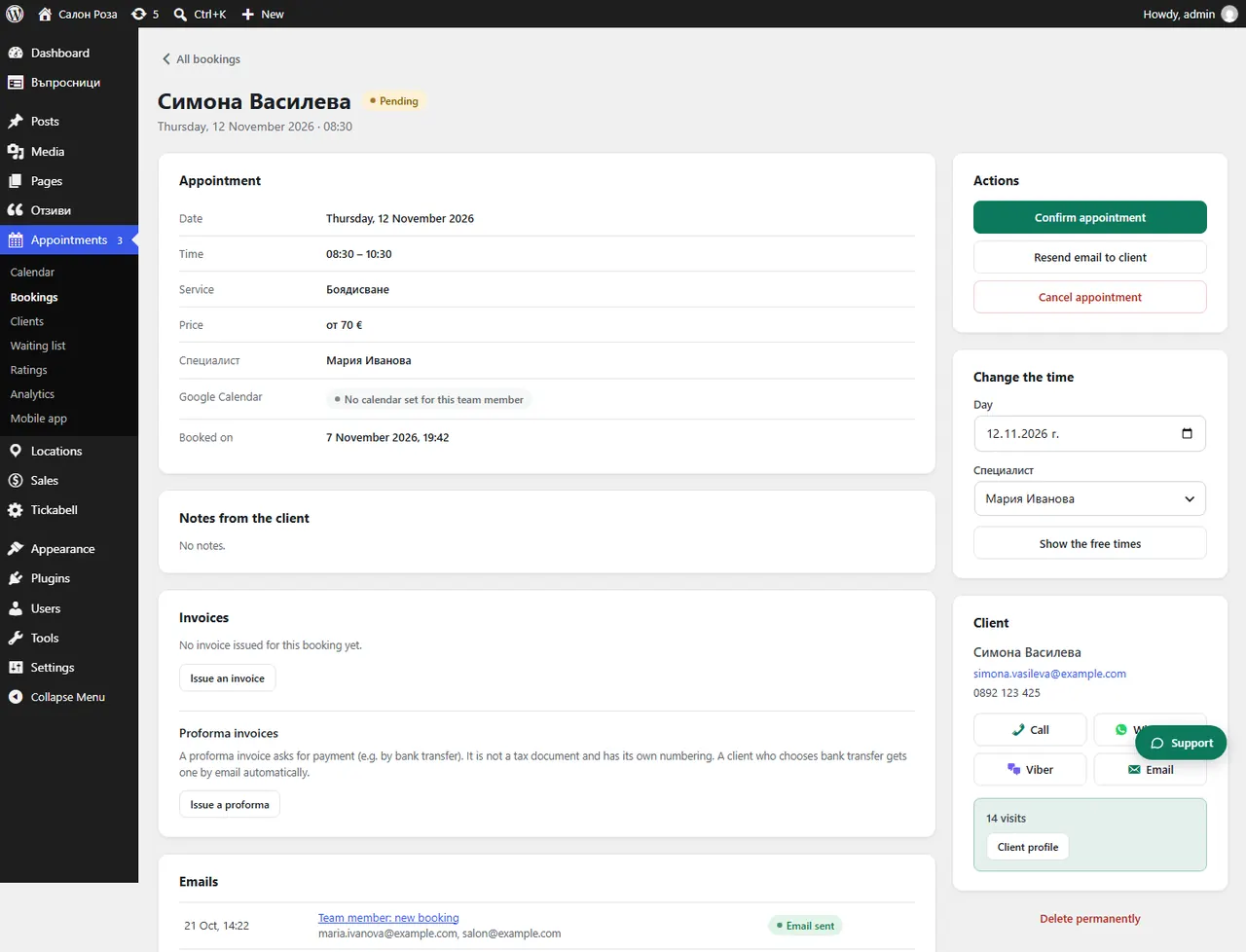
The sales document and the storno document are issued by themselves: on an online payment and on a refund. If a payment has no document, open the booking and press “Issue the sales document”.
Where: Appointments›Bookings›(booking)
What is here
- Sales document: issued on payment and sent to the client by email.
- If it is missing: the booking says “This payment has no sales document yet (Ordinance N-18).” Press “Issue the sales document”.
- Storno document: issued when the payment is refunded, including when you record a refund made by hand.
- For all at once: in Sales › Payments press “Issue the documents”.
Good to knowSales documents and storno documents share one numbering. Test payments have their own test numbering.
Related articles
Was this article helpful?