

How do I download all my data?
In Tickabell › Settings › Data click “Download everything (ZIP)”. You get one file with the appointments, the clients and the rest of the Tickabell data.
Where: Tickabell›Settings›Data›Download all your data
Steps
- Open Tickabell › Settings › Data.
- Click “Download everything (ZIP)”.
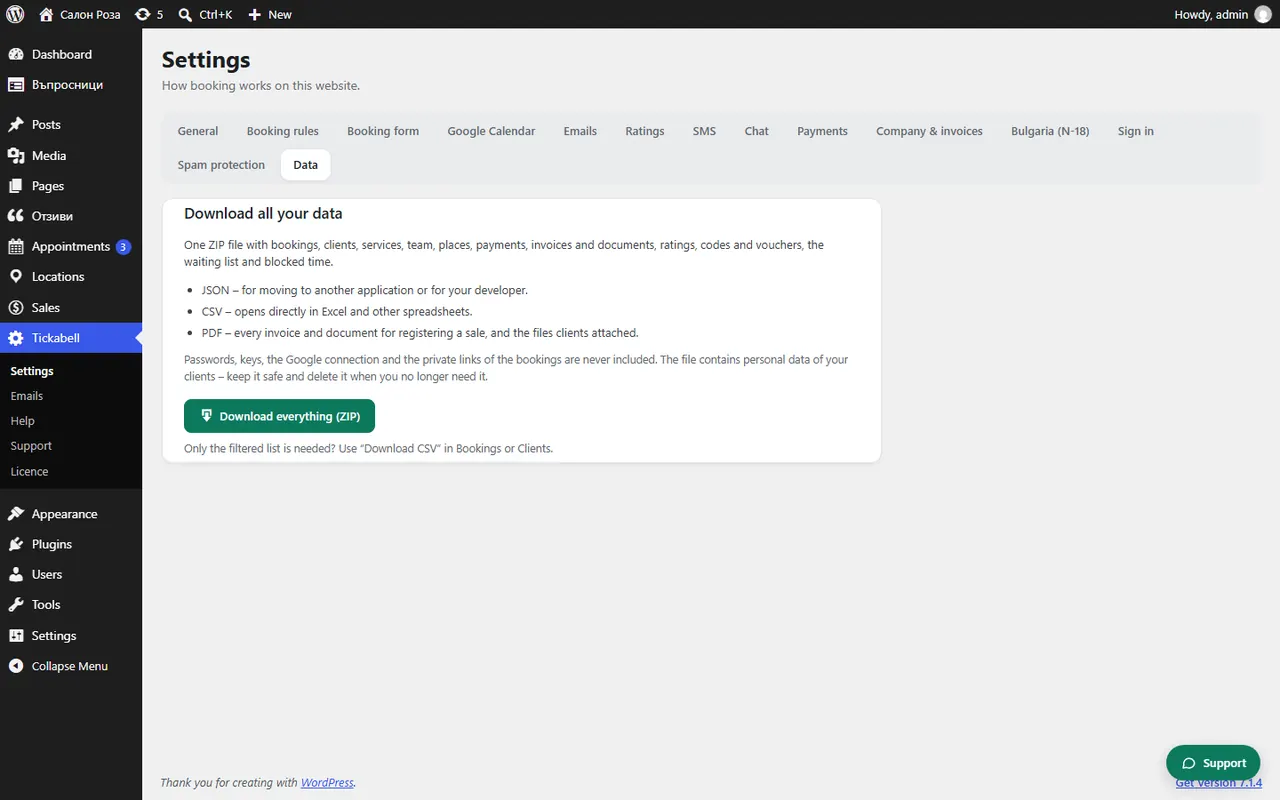
Good to knowPasswords, keys, the Google connection and the private links to bookings never go into the file. The file holds your clients' personal data: keep it safe and delete it when you no longer need it. For a filtered list use “Download CSV” in Bookings or Clients.
Related articles
Was this article helpful?