

How do I change the working hours?
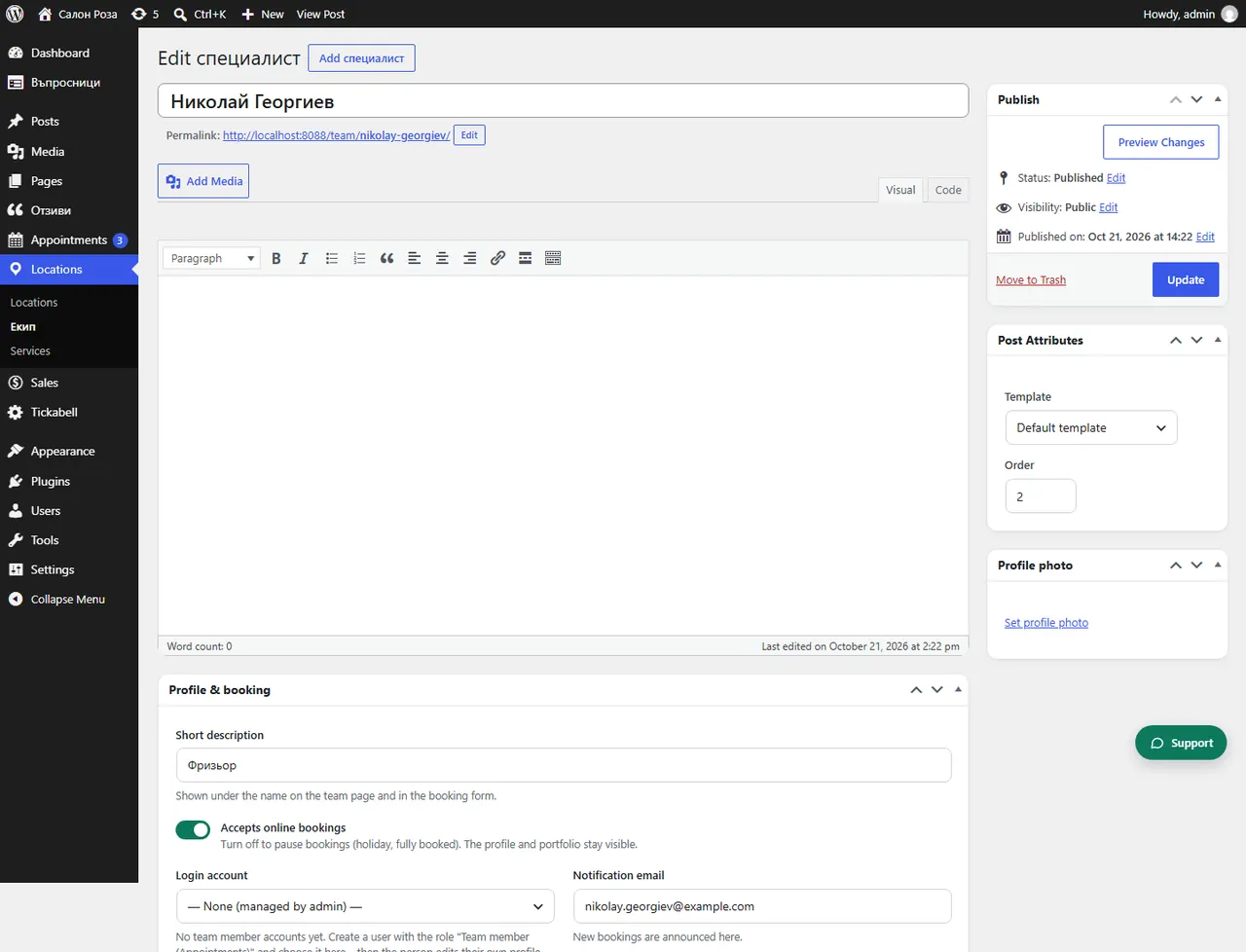
Open the person in Locations › Team and under “Working hours” change the hours for each day. You can add a break to split the day.
Where: Locations›Team›(team member)›Working hours
Steps
- Open Locations › Team and the person.
- Under “Working hours” set the hours for each day from “Monday” to “Sunday”.
- For a lunch break, add a break in the day.
- In “Most bookings per day” you can limit the number of appointments a day. Empty or 0 means no limit.
- Save.
Good to knowAnything that is busy in the connected Google Calendar is blocked automatically. If the person works at several locations, the days for each location are set under “Locations” in their profile.
Related articles
- How do I enter a holiday or days off?
- How do I set different working hours for one date?
- How do I connect Google Calendar?
Was this article helpful?