

How do I make someone the manager of a location?
Open the location and under “Managers” choose a person who already has an account, or send an invitation to a new one. A manager runs only their own location.
Where: Locations›Locations›(location)›Managers
Steps
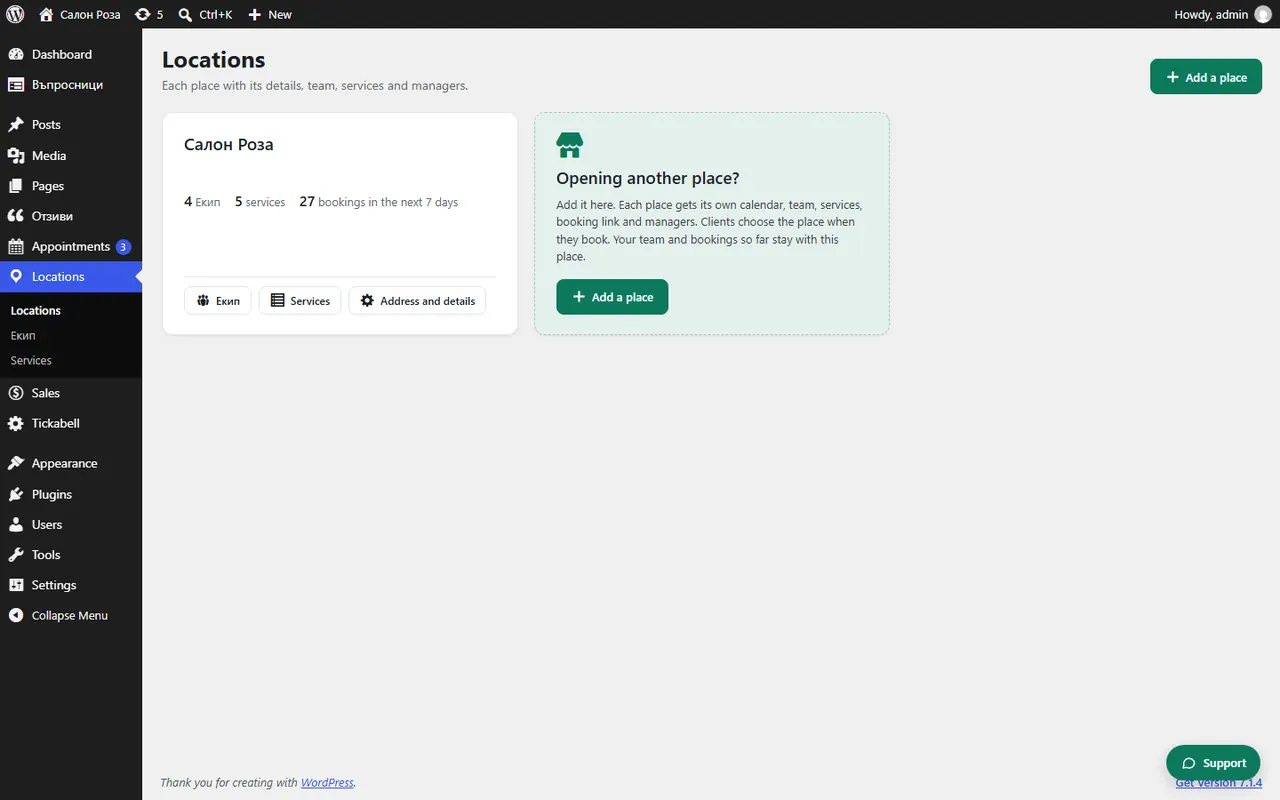
- Open Locations › Locations and press “Open” next to the location.
- Open “Managers”.
- Choose a person who already has an account and press “Make manager”.
- Or in “Invite a new manager” enter the name and email and press “Send the invitation”. The person gets an email with a link where they choose a password.
Good to knowThe manager runs the calendar, bookings, clients, waiting list, analytics, team and services of the location. They do not see the other locations, the settings, the payments or the documents.
Related articles
Was this article helpful?