

How do I add a team member?
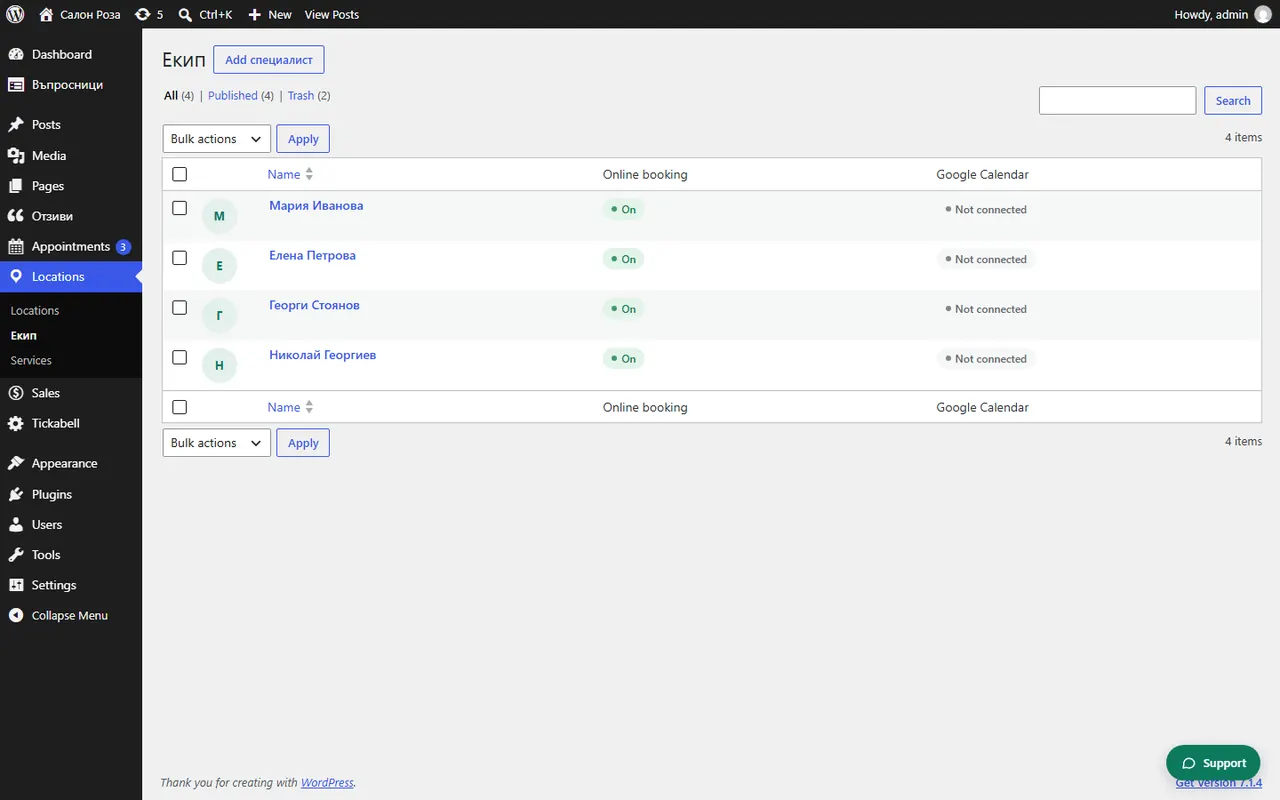
In Locations › Team press the add button at the top, write the name and fill in the profile. The team member appears in the form as soon as they have working hours and at least one service.
Where: Locations›Team
Steps
- Open Locations › Team and press the add button at the top. Its name follows the word you chose in Settings › General.
- In “Full name” write the name. Add a profile photo.
- In “Profile & booking” write a short description.
- In “Working hours” set the hours for each day.
- In “Services & prices” tick the services the person does.
- Press “Publish”.
Good to knowWith “Accepts online bookings” you pause bookings for that person for a while, for example during a holiday or a full schedule. The profile and the portfolio stay visible.
Related articles
- How do I give a team member a login to the system?
- How do I change the working hours?
- Who sees what: administrator, manager, team member
Was this article helpful?