

How do I add social networks and chat to the profile?
Open the person and under “Social networks & chat” fill in the links to their profiles and chat channels. They are shown in their profile on the website.
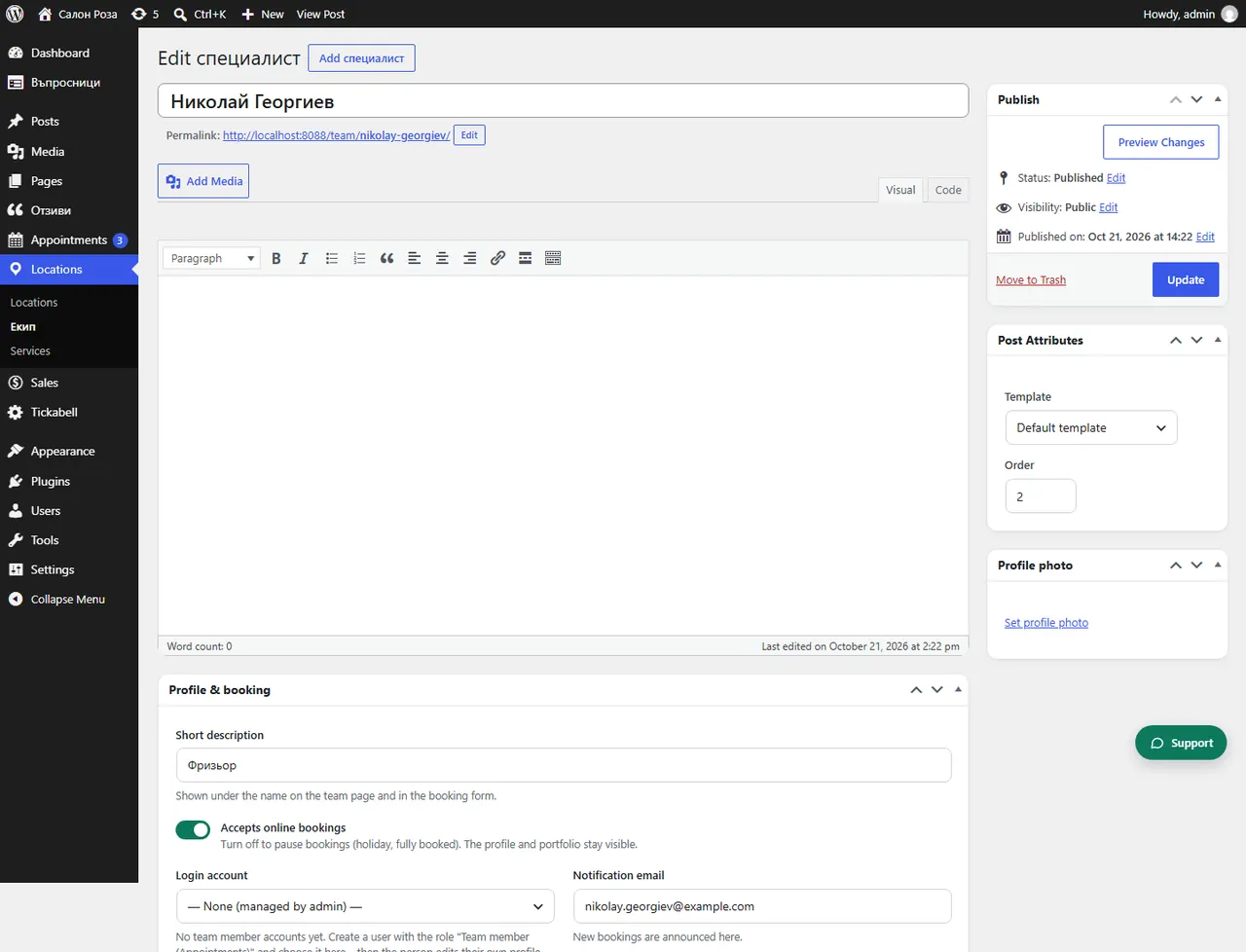
Where: Locations›Team›(team member)›Social networks & chat
Steps
- Open Locations › Team and the person.
- In “Profile links” fill in Instagram, Facebook, TikTok, YouTube or a website.
- In “Chat buttons” fill in WhatsApp, Viber, Messenger, Telegram or a phone. Empty fields use the studio's channels from Settings › Chat.
- Save.
Good to knowAt the top of the box is “Your personal page”. Put this link in the bio on Instagram, TikTok and Facebook, so that people book straight with that person.
Related articles
Was this article helpful?