

How do I change the length of an appointment?
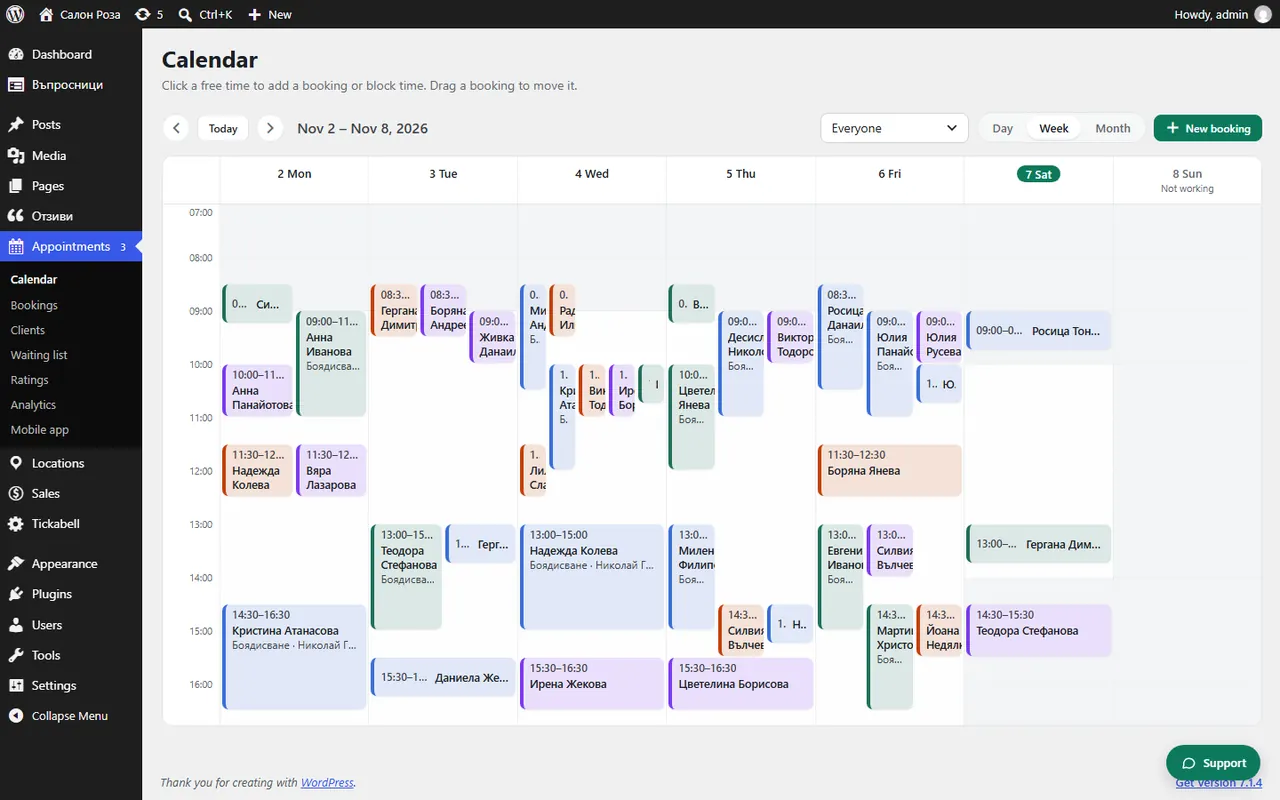
Pick up the lower edge of the appointment in the calendar and drag it up or down. The system asks you to confirm the change.
Where: Appointments›Calendar
Steps
- In Appointments › Calendar point at the lower edge of the appointment. You see “Drag the lower edge to change the length”.
- Drag the edge to the new time.
- Confirm with “Change”.
Related articles
Was this article helpful?