

Test and real mode: what is the difference?
In test mode you pay with test cards and no money moves. In real mode clients pay with real cards. Start in test mode and switch when everything works.
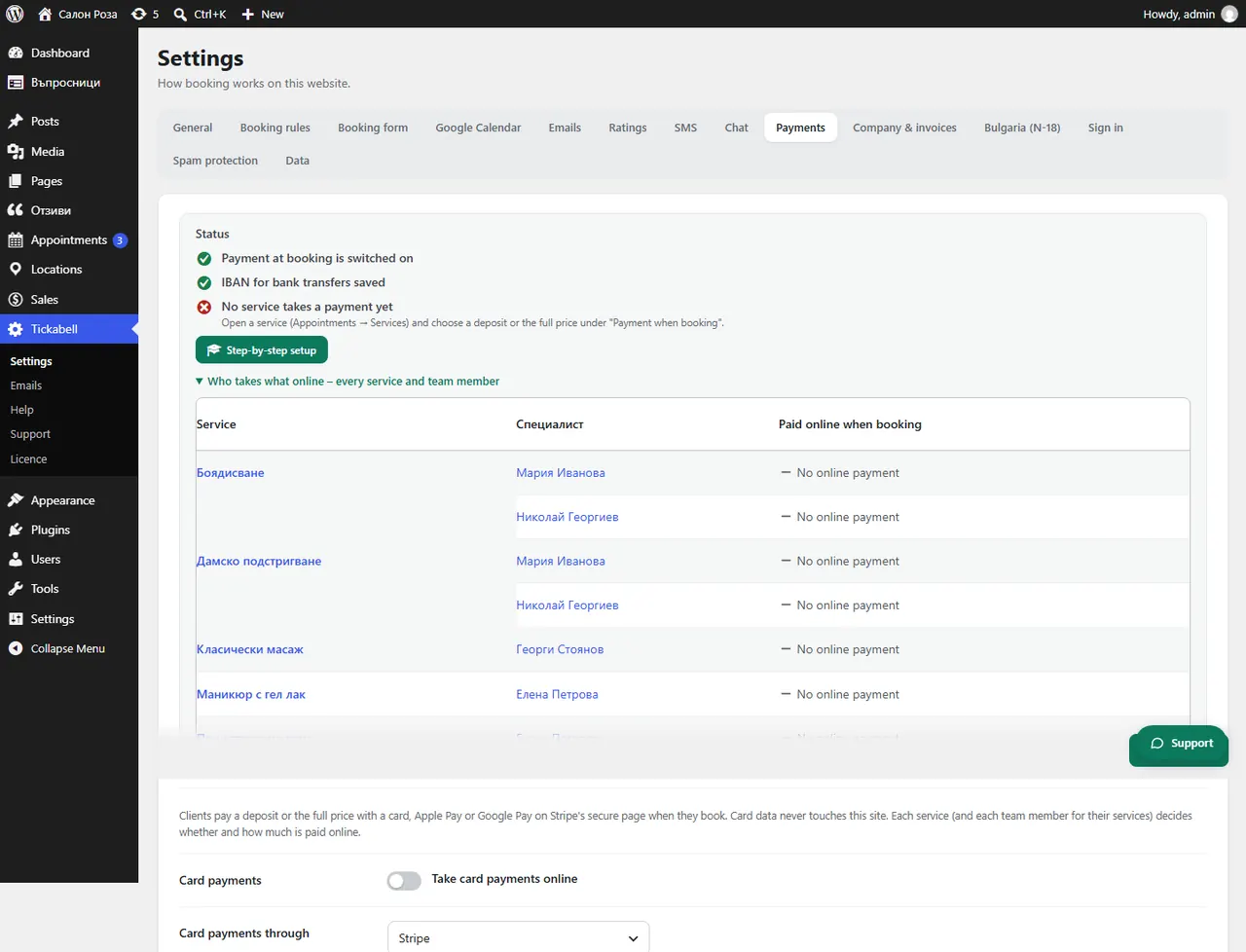
Where: Tickabell›Settings›Payments›Mode
What is here
- Test: Stripe accepts the card 4242 4242 4242 4242 with any future date and any code. BORICA has its own test environment and test cards.
- Real: you need the live keys (with Stripe they start with sk_live_), and with BORICA a confirmation from the bank.
- In Sales › Payments you switch between “Real payments” and “Test payments” to see one or the other.
Good to knowTest payments have their own test numbering of documents and do not go into the audit file for the NRA.
Related articles
Was this article helpful?