

What is a level of complexity and how do I choose it when confirming?
Levels of complexity are for services where the price and the time are clear only after you see the client or their photos. You choose the level in the booking, and the client gets the exact price.
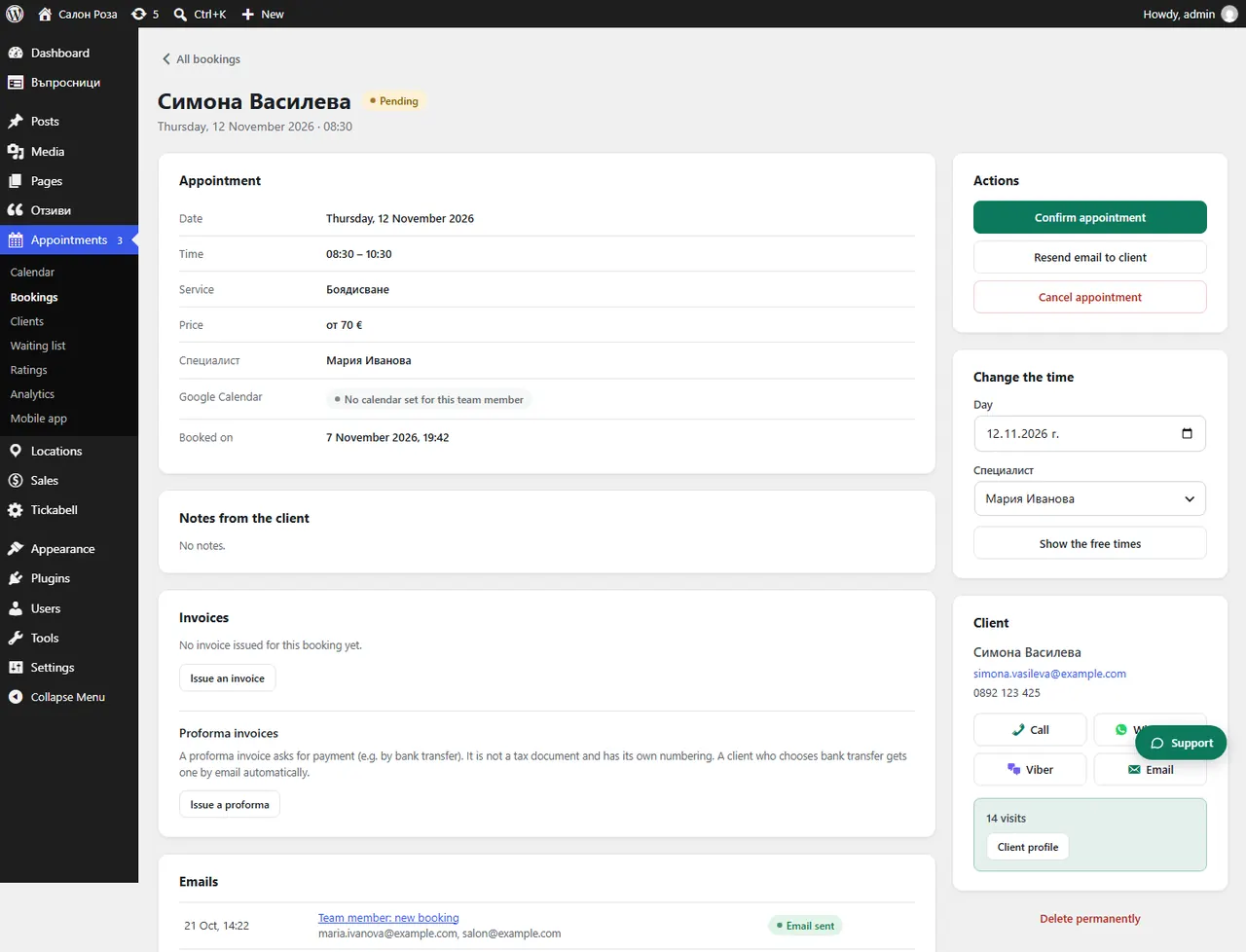
Where: Appointments›Bookings›(booking)›Complexity
Steps
- Open the booking from Appointments › Bookings.
- In “Complexity” choose the level.
- Press “Save complexity”, or straight away “Confirm appointment”. The price and the time are updated.
Good to knowWithout a level the appointment cannot be confirmed. The levels are set in the team member's profile: Locations › Team › (team member) › Services & prices › “Your price & time”.
Related articles
Was this article helpful?