

How do I install Tickabell?
You upload the plugin file from the “Plugins” menu in WordPress and activate it. The file is in the clients.tickabell.com portal, under “Websites”.
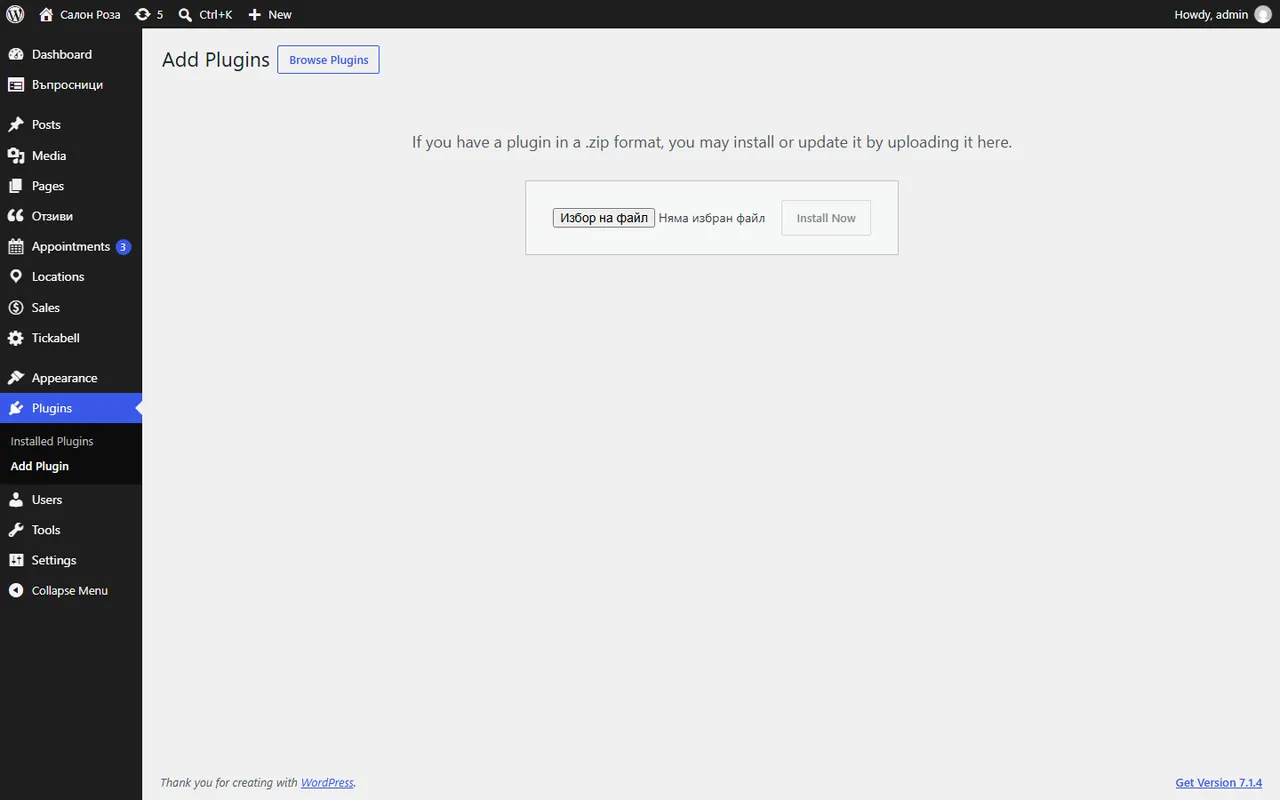
Where: Plugins›Add Plugin›Upload Plugin
Steps
- Sign in to the clients.tickabell.com portal and open Websites. If the website is not there yet, press “Add website” and enter its address.
- Next to the website, get the plugin file (.zip) and the key.
- In WordPress open Plugins › Add Plugin › Upload Plugin, choose the file and press “Install Now”.
- Press “Activate Plugin”. The setup wizard opens.
- Paste the key in Tickabell › Licence.
Good to knowTickabell needs PHP 8.2 or newer. If your hosting runs an older version, change it in the hosting control panel.
Related articles
Was this article helpful?