

How do I record a refund I have made?
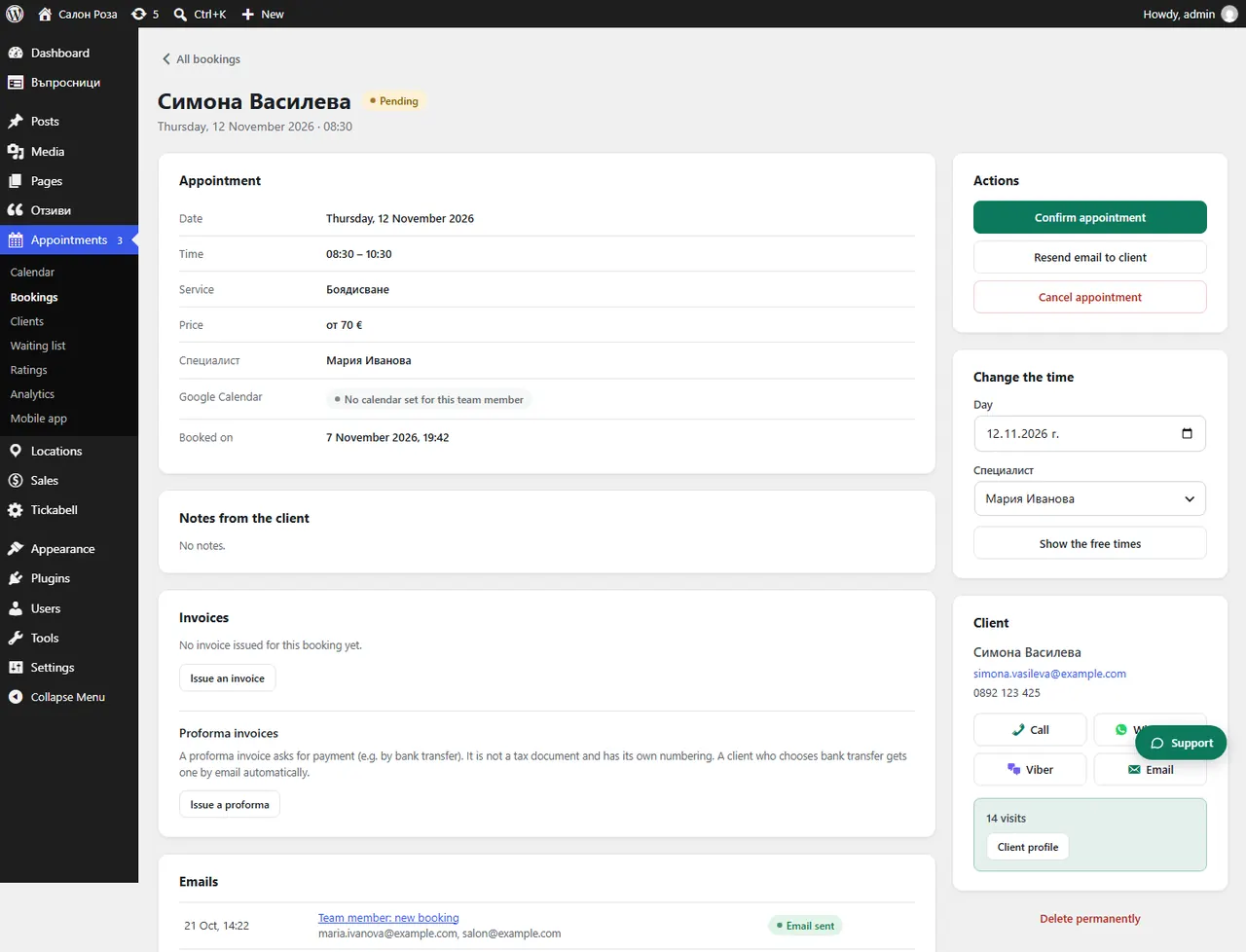
If you returned the money yourself, through the bank's portal or by bank transfer, open the booking and press the “I refunded … – record it” button. The refund then shows in Payments and in the audit file.
Where: Appointments›Bookings›(booking)
Steps
- Return the money through the bank's merchant portal or by bank transfer.
- Open the booking in Appointments › Bookings.
- Press “I refunded … – record it” and confirm.
Good to knowThe button only records the refund. It does not send any money.
Related articles
Was this article helpful?