

How do I change the text of an email?
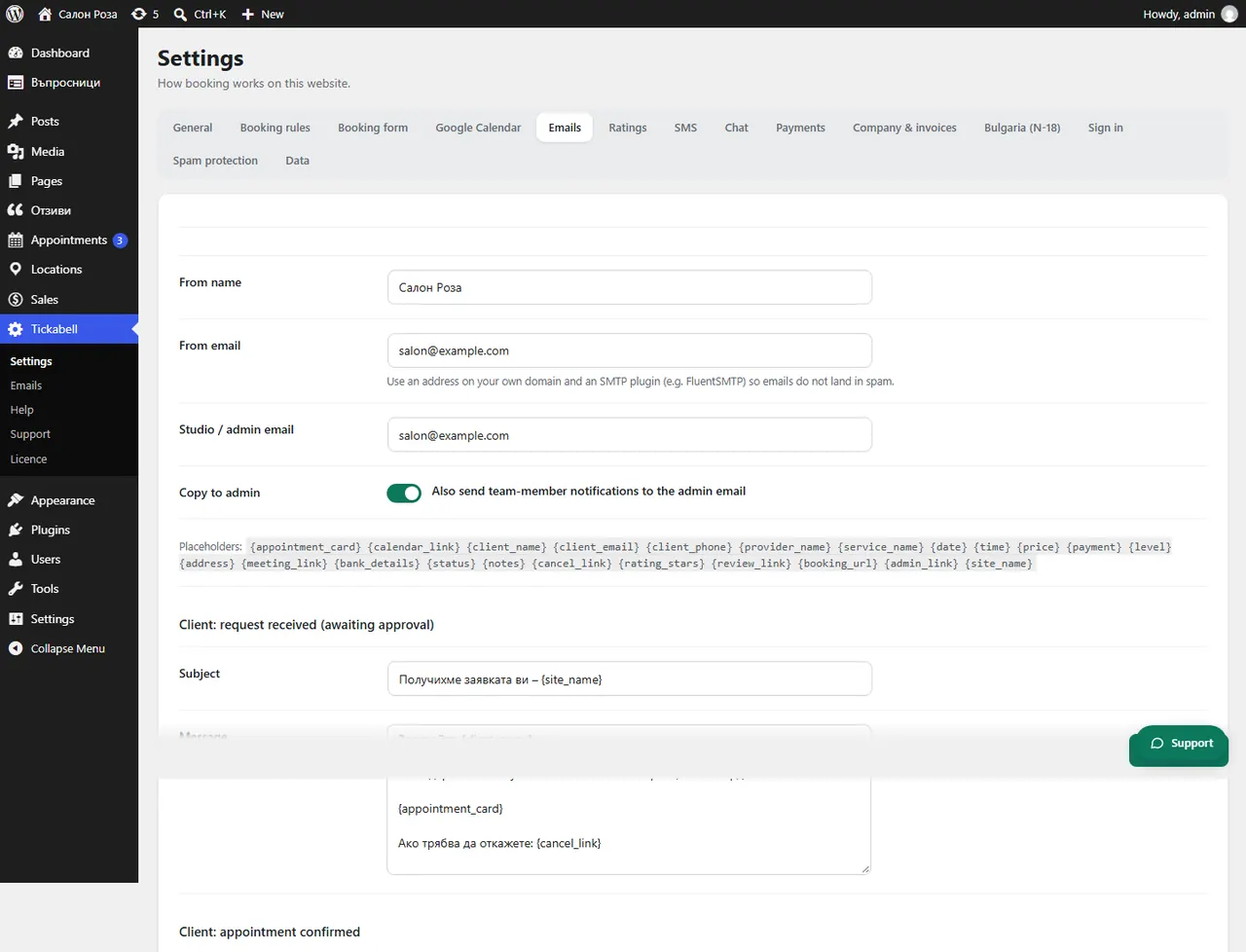
In Tickabell › Settings › Emails find the email, change the “Subject” and the “Message” and save. The variables in curly brackets are replaced with the appointment's details.
Where: Tickabell›Settings›Emails
Steps
- Open Tickabell › Settings › Emails.
- Find the email, for example “Client: reminder”.
- Change the “Subject” and the “Message”.
- Use variables, for example
{client_name},{date},{time},{service_name},{cancel_link}. The list is above the emails. - Save.
Good to know
{appointment_card} adds a ready card with the service, the date, the time and the address. If the client booked in English, they get the English text.Related articles
Was this article helpful?