

Which emails does the team get?
Each team member gets an email for a new booking, when the client moves the appointment and when a booking is cancelled. The email goes to the address in “Notification email” in their profile.
Where: Tickabell›Settings›Emails
What is here
- Team member: new booking.
- Team member: client moved the booking.
- Team member: booking cancelled.
- The address: in Locations › Team, in the profile, under “Notification email”. Empty means the email of the login account.
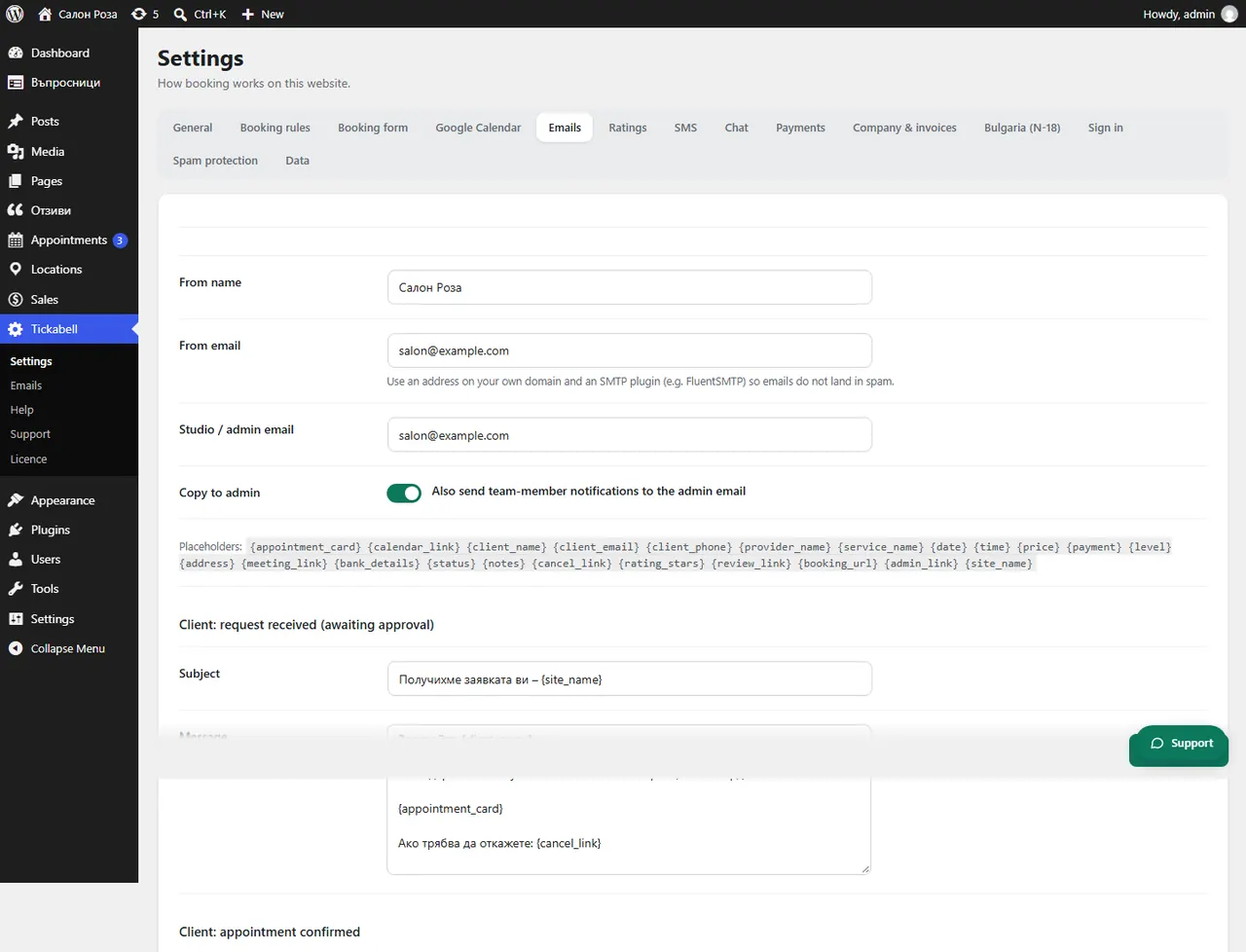
Good to knowWith “Copy to admin” the same emails also go to the studio's email. With the mobile app the team also gets notifications on the phone.
Related articles
- How do I get a copy of the emails?
- How does a team member get email notifications?
- How do I connect my phone?
Was this article helpful?