

How do I make repeating appointments?
When you make a new booking in the calendar, switch on “Repeat” and choose every how many weeks or days and how many times. The system checks all the dates before it books them.
Where: Appointments›Calendar›New booking›Repeat
Steps
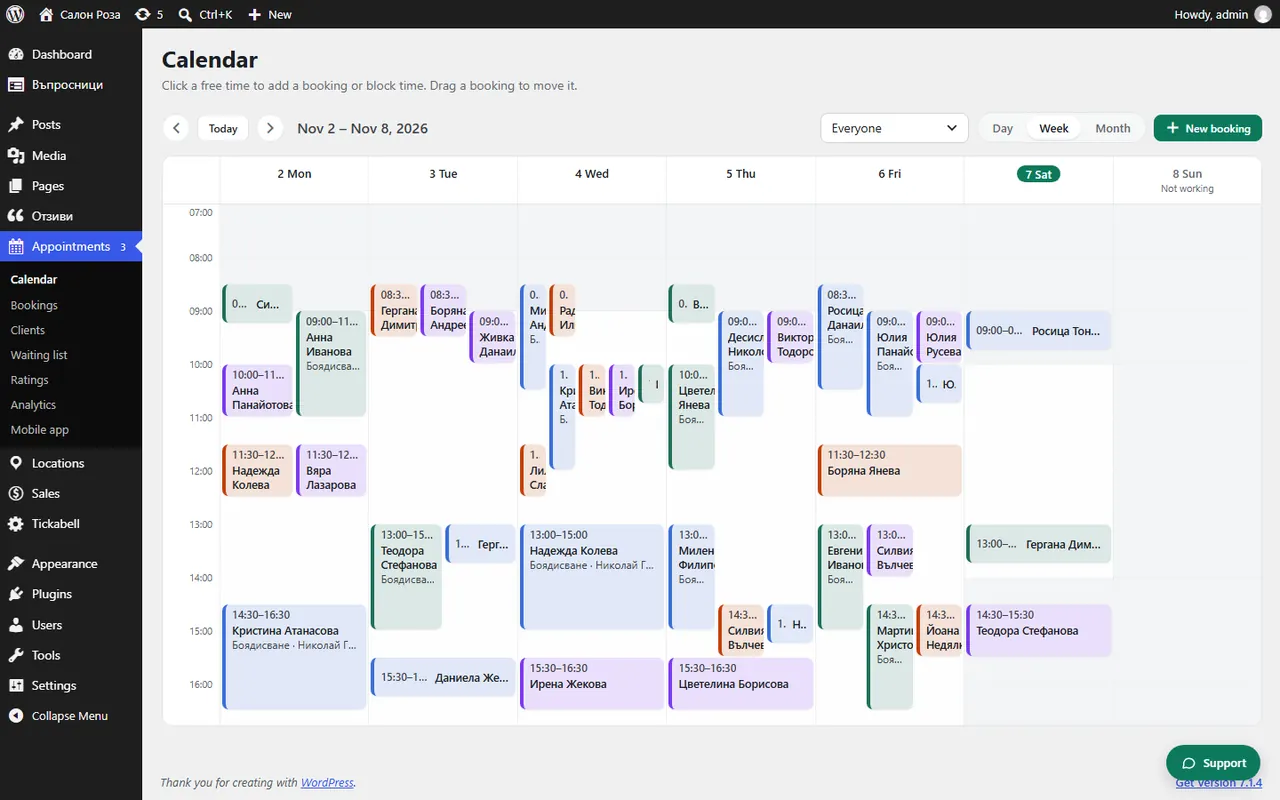
- Start a new booking from Appointments › Calendar as usual.
- Tick “Repeat”.
- In “Every” choose, for example, 1 week or 2 weeks, and in “Number of visits” how many appointments you want.
- Press “Check the dates”. Every date is shown: “Free”, “Busy” or “Day off”.
- For a busy date the nearest free time is suggested. You can also leave the date out.
- Tick the dates you want and press the button that books them.
Good to knowRepeating appointments are handy for rehabilitation, lessons and training. The booking shows which visit of the series it is, for example 3 of 10.
Related articles
- How do I cancel only one, or all the following, repeating appointments?
- How do I book an appointment from the calendar?
Was this article helpful?