

Which emails does the client get, and when?
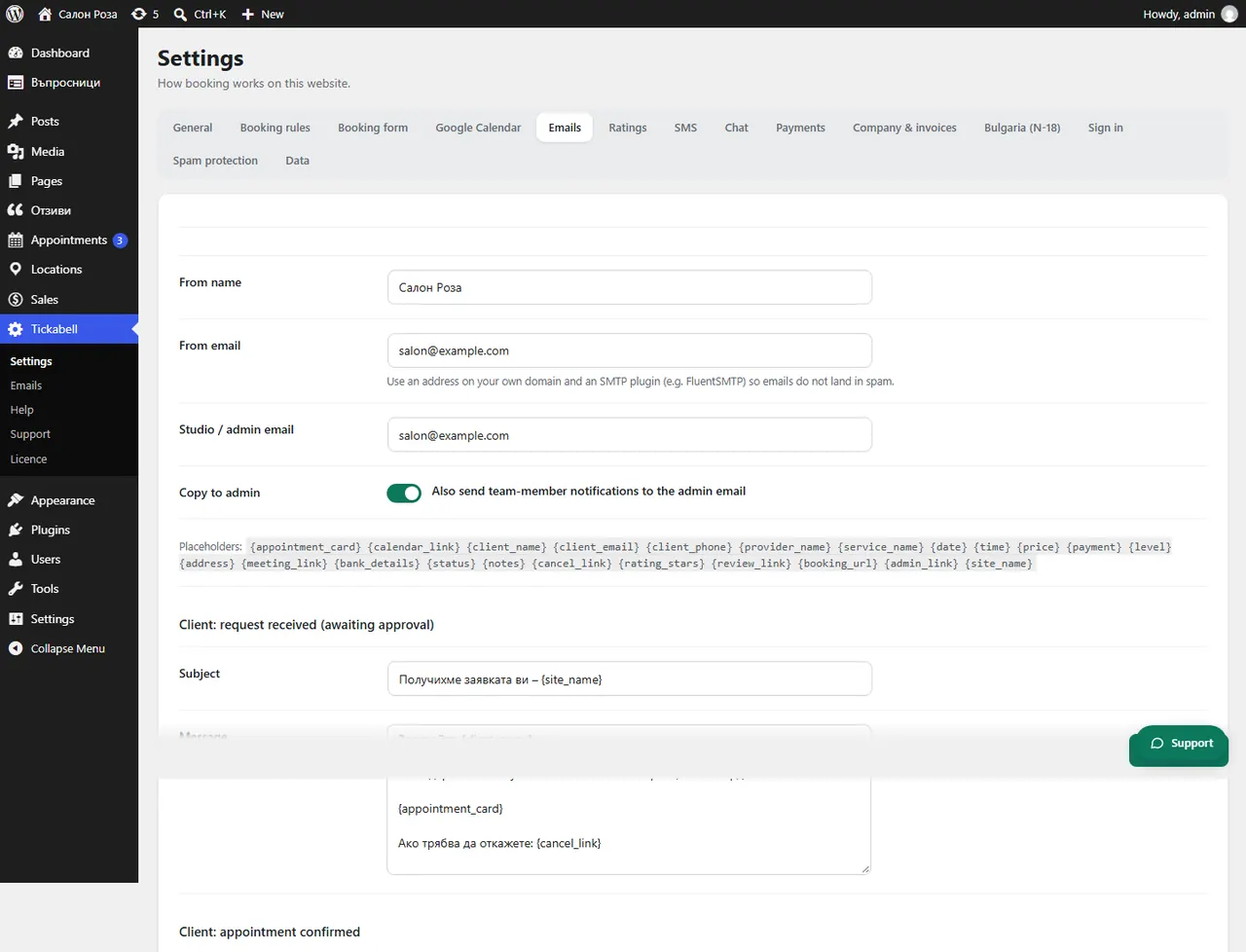
The client gets an email at every step of their appointment: request, confirmation, change, cancellation, reminder and a thank-you after the visit. They are all in Tickabell › Settings › Emails.
Where: Tickabell›Settings›Emails
What is here
- Client: request received (awaiting approval): when the appointment is waiting for your confirmation.
- Client: appointment confirmed: at once with automatic confirmation, or when you confirm it.
- Client: appointment cancelled and Client: appointment moved: on a cancellation and on a change of time.
- Client: online meeting link: when you enter the link.
- Client: pay by bank transfer: with the IBAN and the amount.
- Client: reminder: as many hours before the appointment as you have set.
- Client: thank you after the visit: with an invitation to rate.
Good to knowSeparately, the client gets their documents, such as an invoice or a sales document, and the greetings, if they agreed to get them.
Related articles
- How do I change the text of an email?
- Which emails does the team get?
- How do I change when the reminder is sent?
Was this article helpful?