

What does the warning about SPF, DMARC and SMTP mean?
Tickabell checks whether your emails will be accepted by the clients' mail services. If a record is missing or the website sends without SMTP, it shows a warning with what to add.
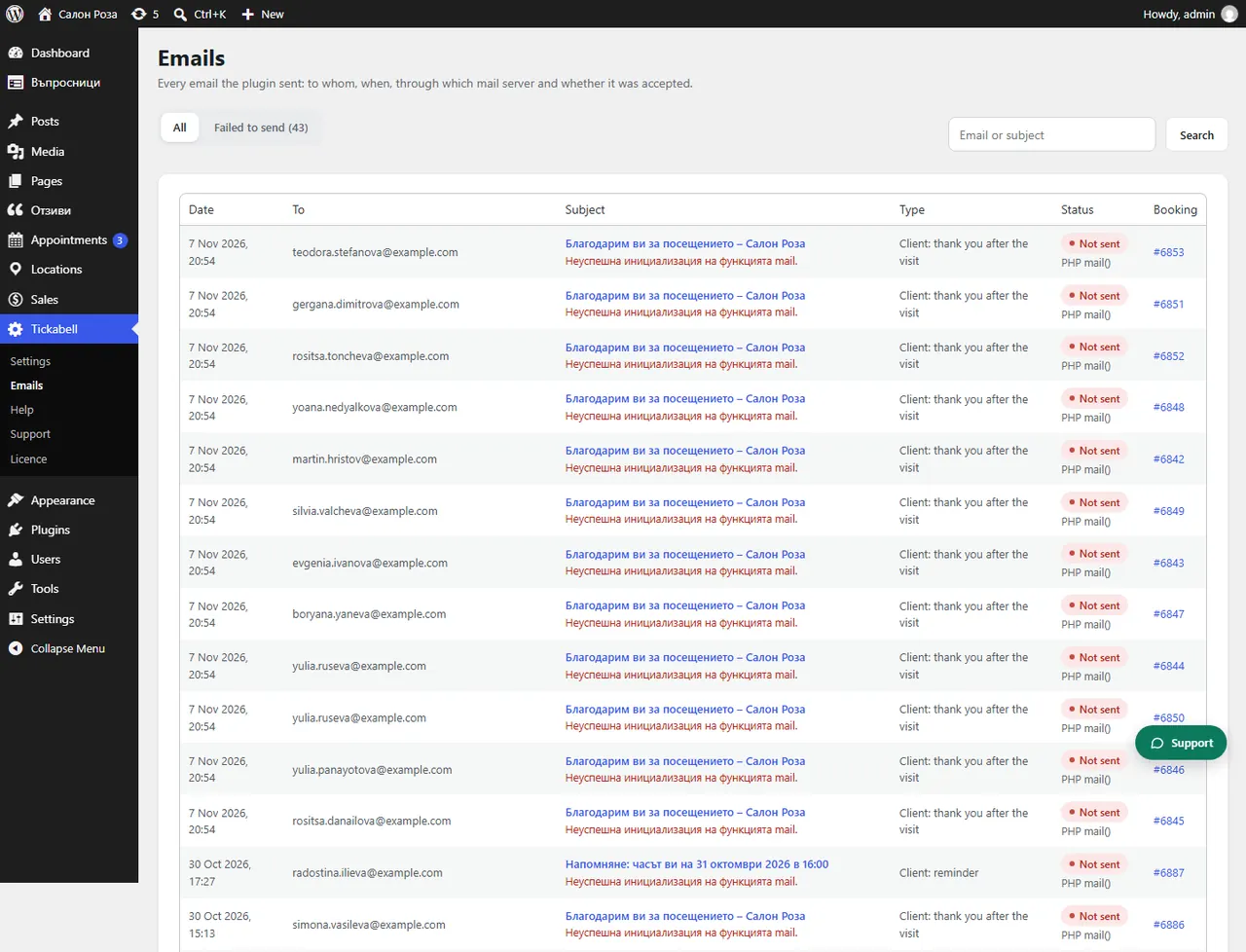
Where: Tickabell›Emails
What is here
- SPF: says who may send in the domain's name. Ask your hosting to add a TXT record that starts with v=spf1.
- DMARC: Gmail and Yahoo expect it. Add a TXT record for _dmarc with the value v=DMARC1; p=none to start with.
- SMTP: without it the emails leave through the server's mail() and often end up in spam. Install an SMTP plugin, for example FluentSMTP, with the mailbox of your domain.
- A different domain: if the sender is on another domain, the SPF and DKIM of that domain must allow sending from your server or SMTP service.
Good to knowThe records are added where the domain is managed, usually at your hosting. If you are not sure, send the text of the warning to your hosting.
Related articles
Was this article helpful?