

How do I call or email the client from the appointment?
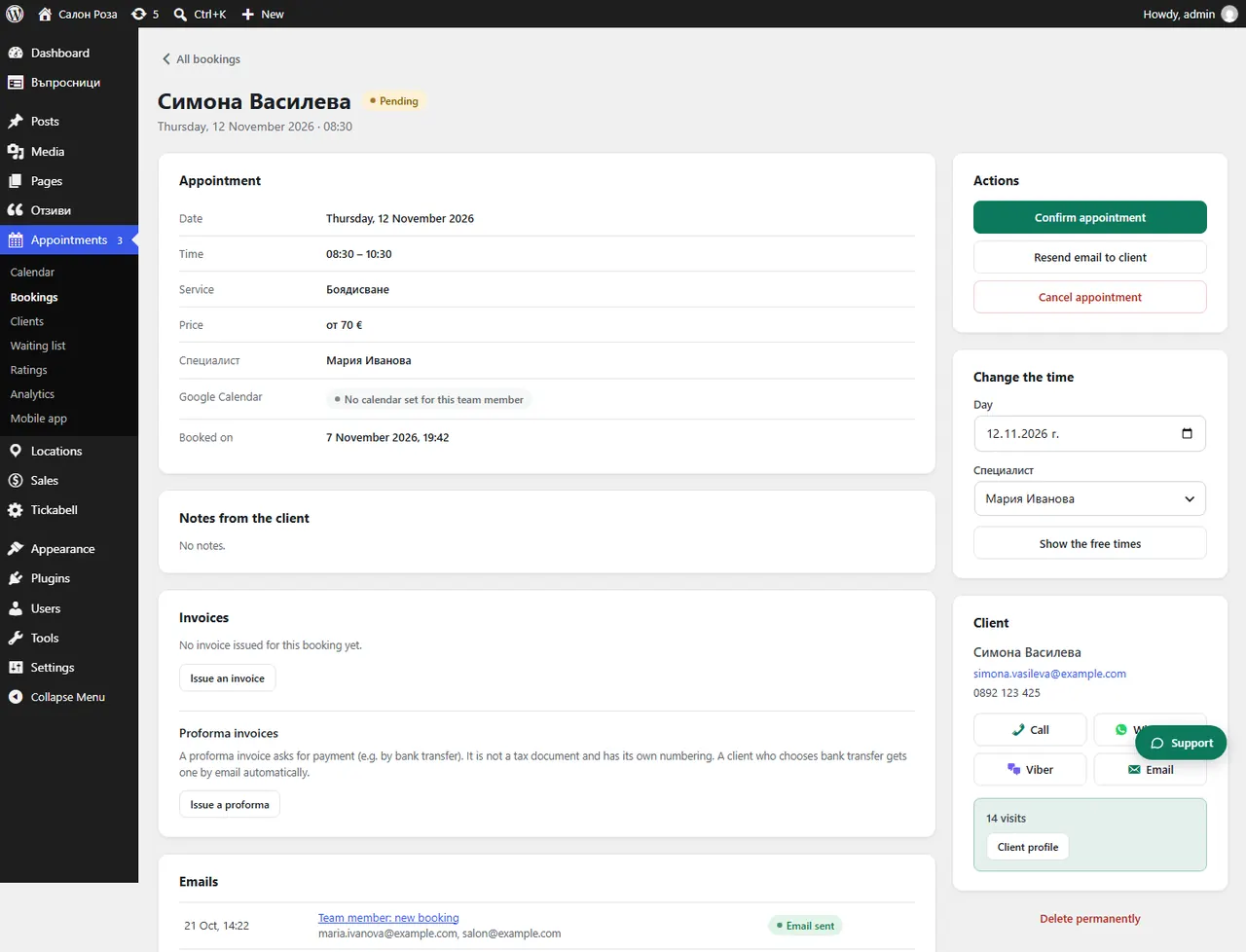
Open the appointment from “Bookings” or click it in the calendar. The “Call” and “Email” buttons are there.
Where: Appointments›Bookings›(booking)›Call
Steps
- Open the appointment from Appointments › Bookings or click it in Appointments › Calendar.
- Press “Call”. On a phone, or on a computer with a calling app, the number is dialled at once.
- In the booking press “Email” to open a new email to the client.
Good to knowFrom the mobile app, calling takes one tap.
Related articles
Was this article helpful?