

How do I send the email for an appointment again?
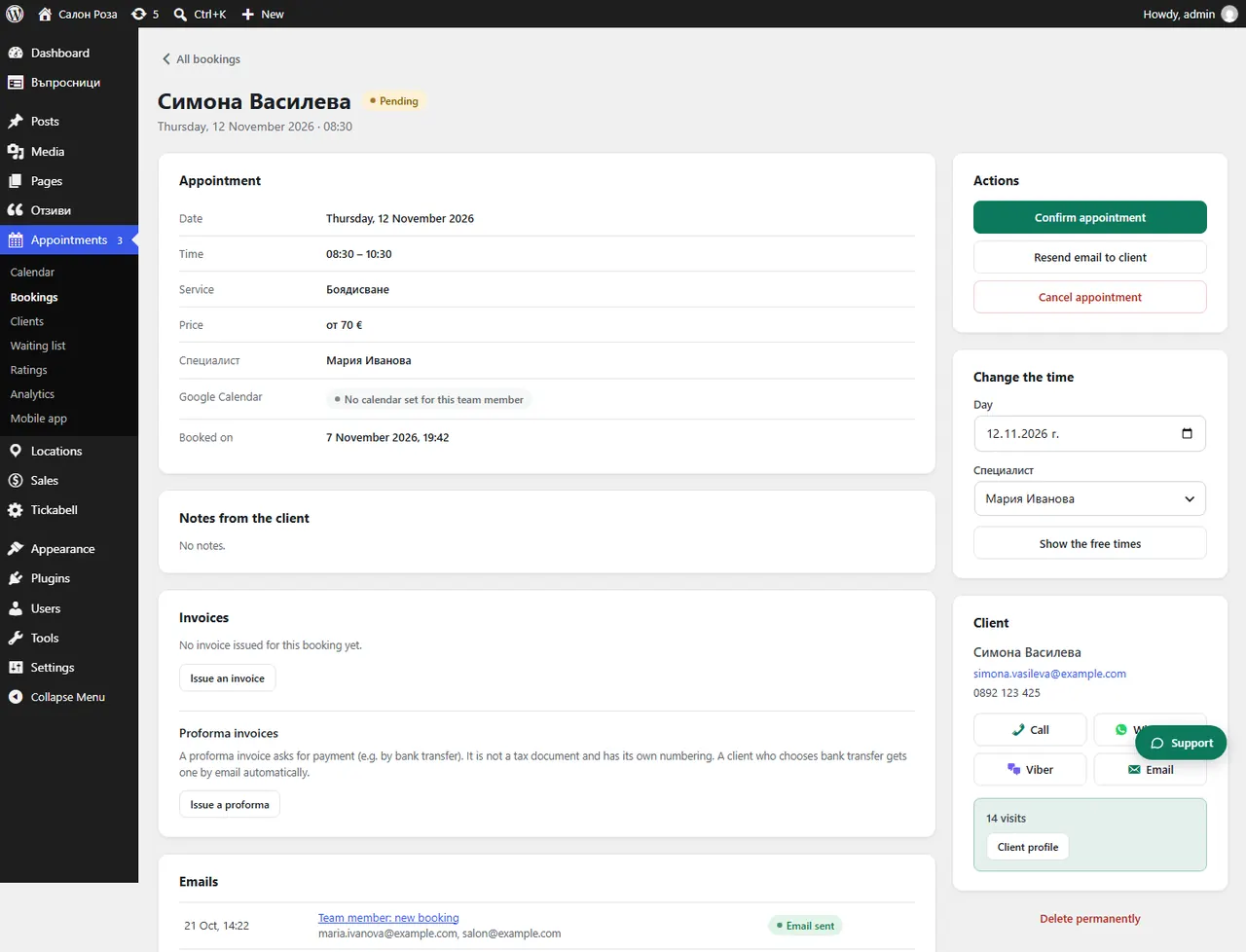
Open the booking and press “Resend email to client”. The client gets the confirmation of the appointment again, or, if the appointment is still waiting for confirmation, the email that the request has been received.
Where: Appointments›Bookings›(booking)›Resend email to client
Steps
- Open the appointment from Appointments › Bookings.
- Press “Resend email to client”.
Good to knowIf the client still does not get it, check the email address in the booking and Tickabell › Emails.
Related articles
Was this article helpful?