

How do I add add-ons to a service?
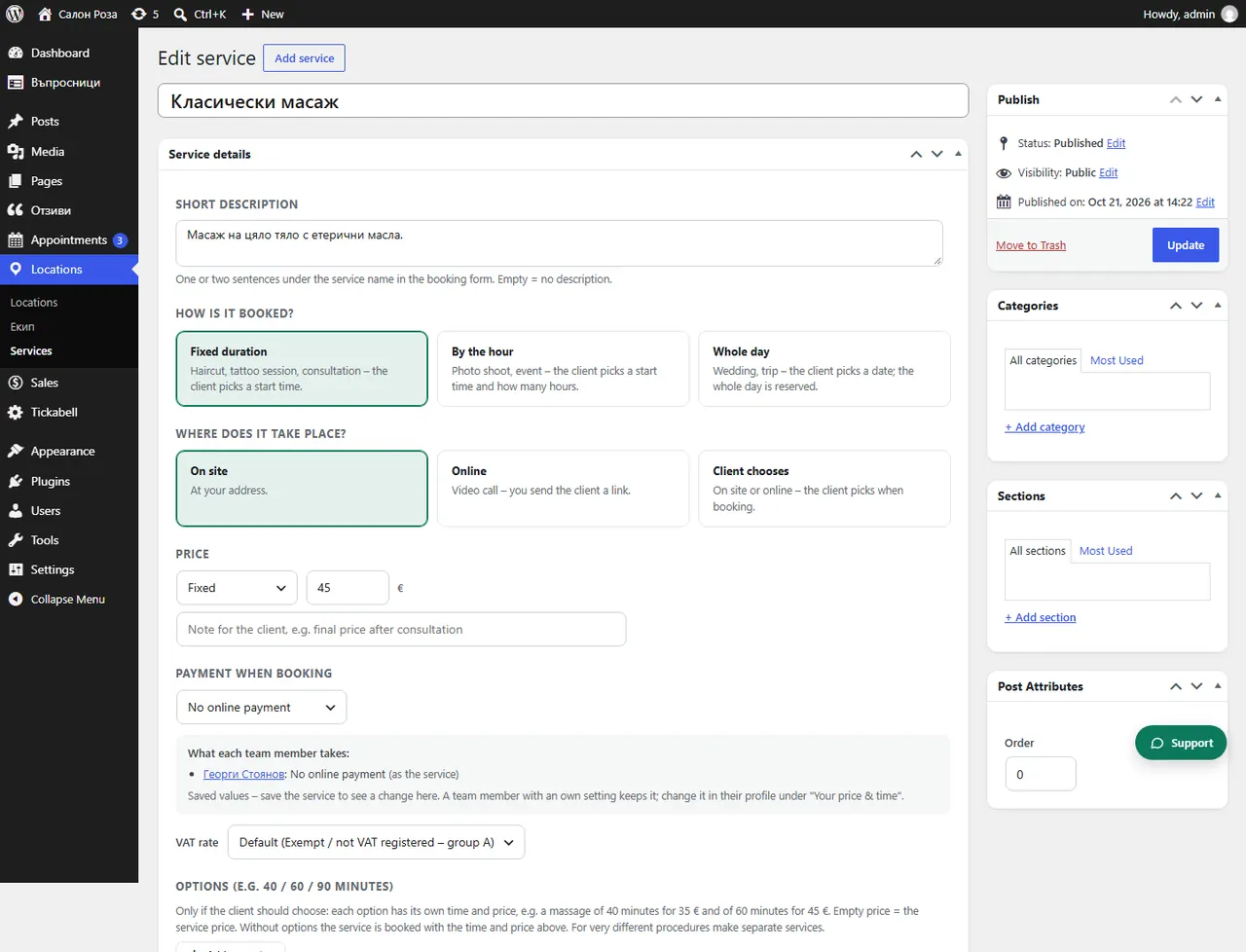
In the service, under “Add-ons”, press “Add an add-on”. The client ticks them when booking, for example a hair mask for €15 and 15 minutes.
Where: Locations›Services›(service)›Service details›Add-ons
Steps
- Open the service in Locations › Services.
- Under “Add-ons” press “Add an add-on”.
- Write the name, the price and the “Extra minutes”.
- Save.
Good to knowThe price of the add-on is added to the price of the service, and the minutes to the appointment.
Related articles
Was this article helpful?