

How do I check a payment in BORICA?
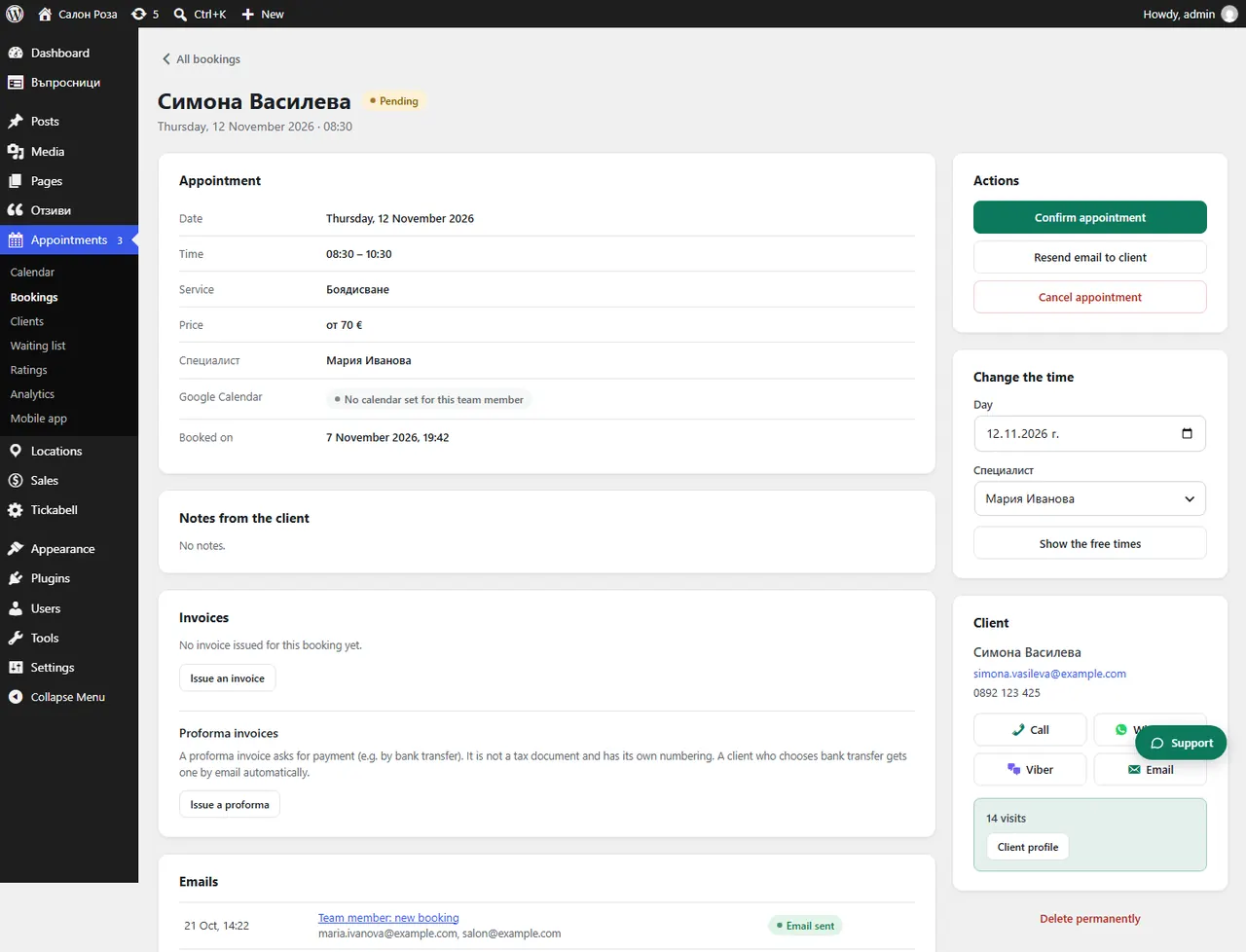
Open the booking and press “Check the payment in BORICA”. If BORICA confirms the payment, the booking becomes paid.
Where: Appointments›Bookings›(booking)›Check the payment in BORICA
Steps
- Open the booking in Appointments › Bookings.
- Press “Check the payment in BORICA”.
- If it says the client is still on the payment page, check again in a few minutes.
Good to knowUse the check when the client says they have paid but the booking is not paid yet.
Related articles
Was this article helpful?