

How do I move the licence to another website?
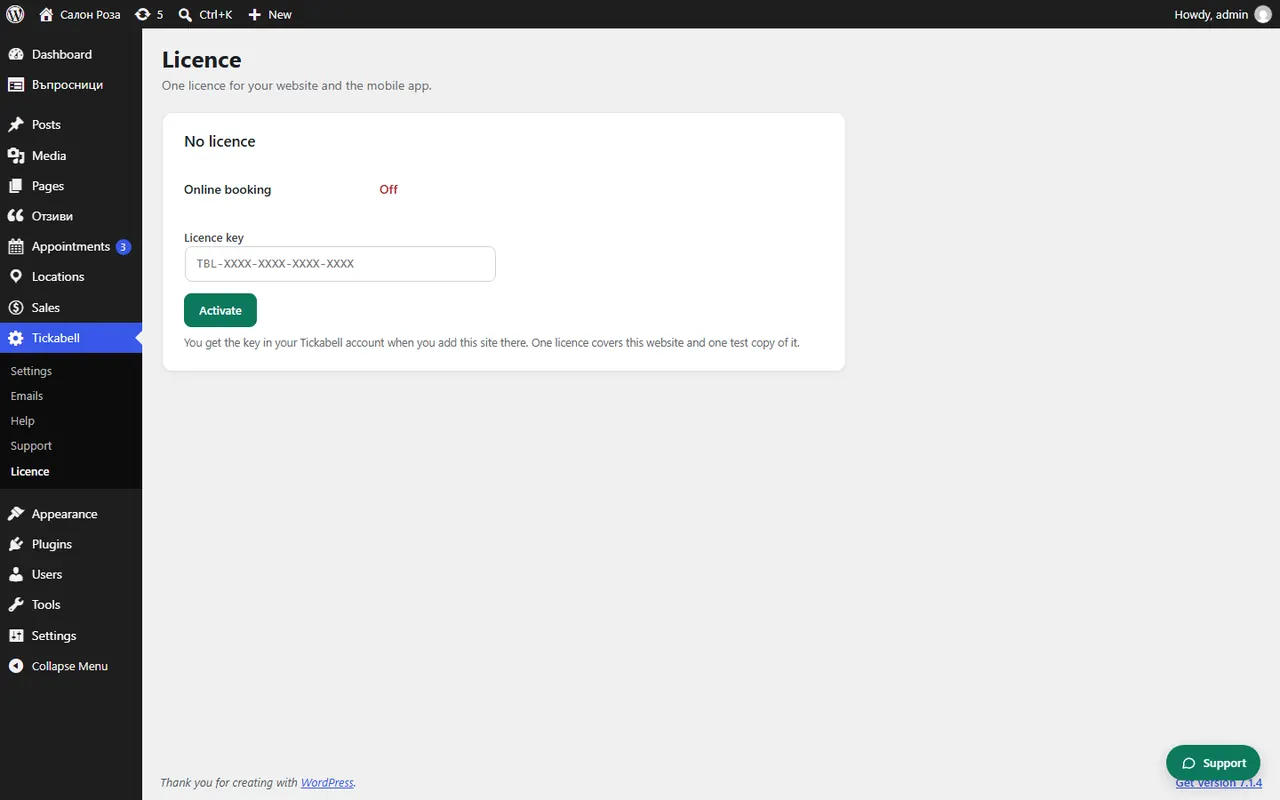
In Tickabell › Licence on the old website click “Release this site”. Then paste the same key in the new website. If the website's address changes, write to us in “Requests” so that we change the address on the key.
Where: Tickabell›Licence
Steps
- On the old website open Tickabell › Licence and click “Release this site”.
- On the new website install Tickabell and open Tickabell › Licence.
- Paste the key and click “Activate”.
Good to knowReleasing makes the licence free for another website, for example when you move to a new address. The data does not move by itself: download it from the old installation first.
Related articles
Was this article helpful?