

How do I stop SMS being sent at night?
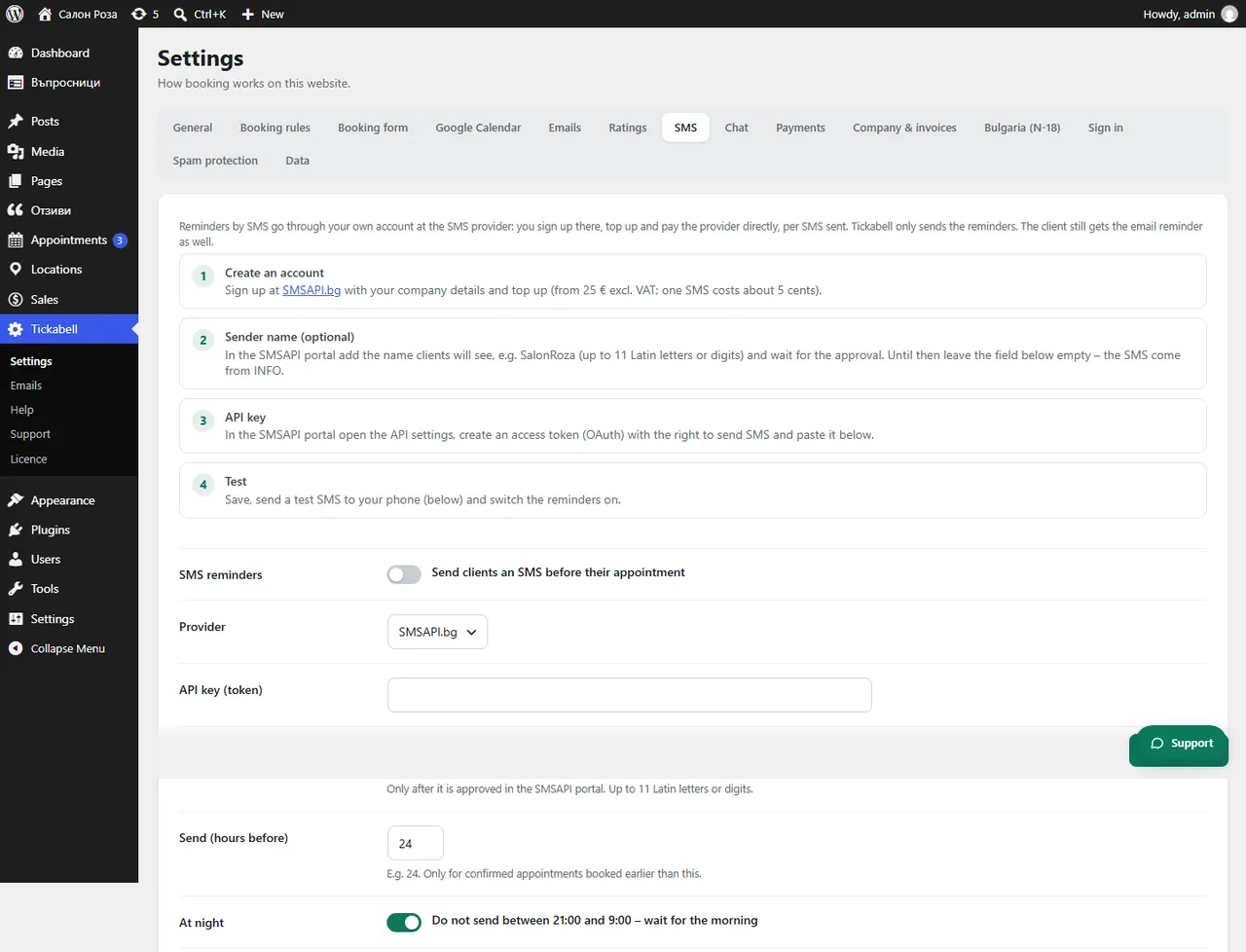
In Tickabell › Settings › SMS tick “Do not send between 21:00 and 9:00 – wait for the morning”. SMS due at night are sent in the morning after 9:00. The option is on by default.
Where: Tickabell›Settings›SMS›At night
Steps
- Open Tickabell › Settings › SMS.
- Under “At night” tick “Do not send between 21:00 and 9:00 – wait for the morning”.
- Save.
Related articles
Was this article helpful?