

How do I add an online meeting link for a team member?
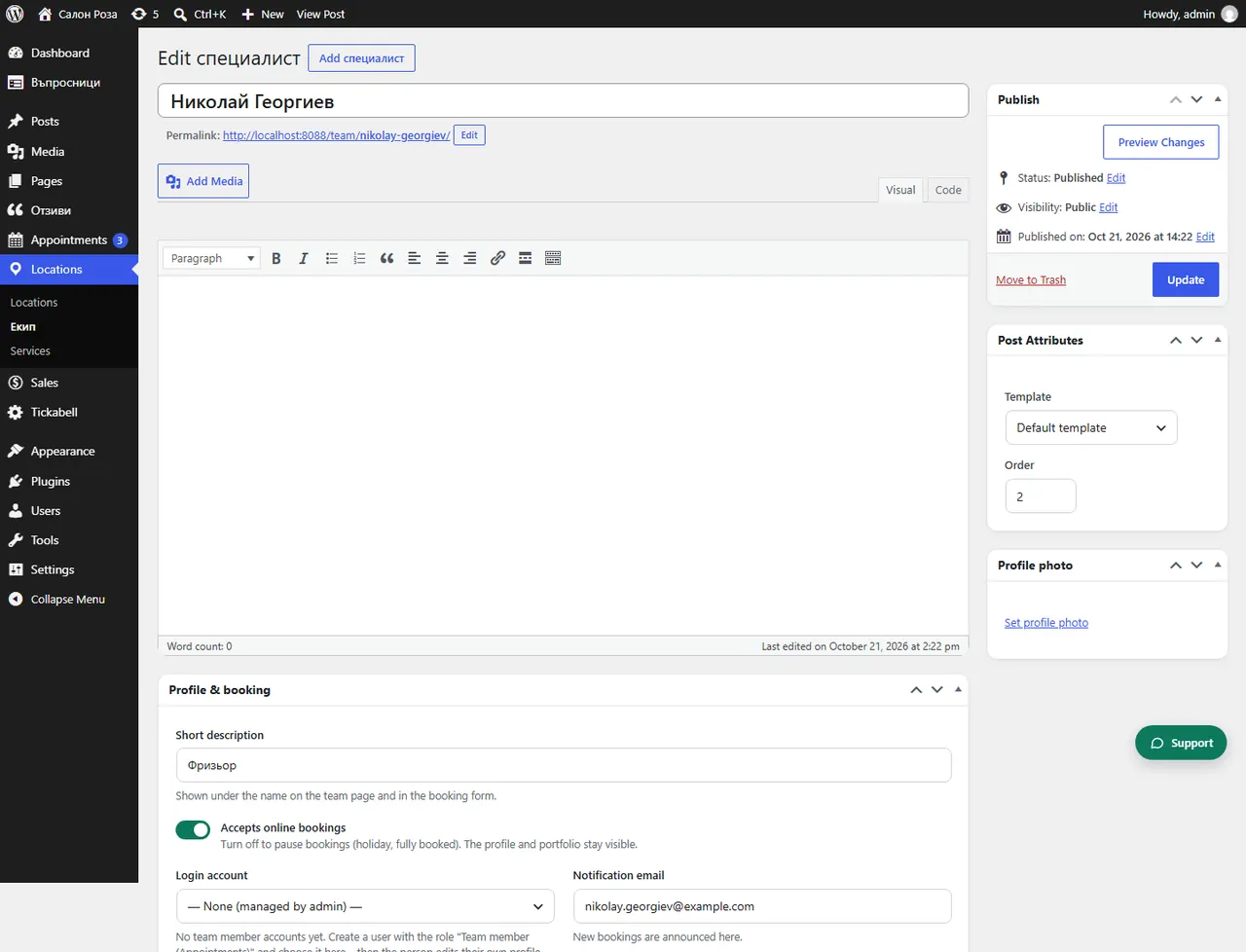
In the profile, under “Online meeting link”, paste their fixed room in Teams, Zoom or Google Meet. The link is used for all their online appointments.
Where: Locations›Team›(team member)›Profile & booking›Online meeting link
Steps
- Open Locations › Team and the person.
- In “Online meeting link” paste the link.
- Save.
Good to knowIf the field is empty and Google Calendar is connected, you can switch on “Create a Google Meet link automatically”. The link can also be changed in each booking.
Related articles
Was this article helpful?