

How do I add photos to the portfolio?
Open the person and under “Portfolio” press “Add images”. Upload new ones or choose from the media library.
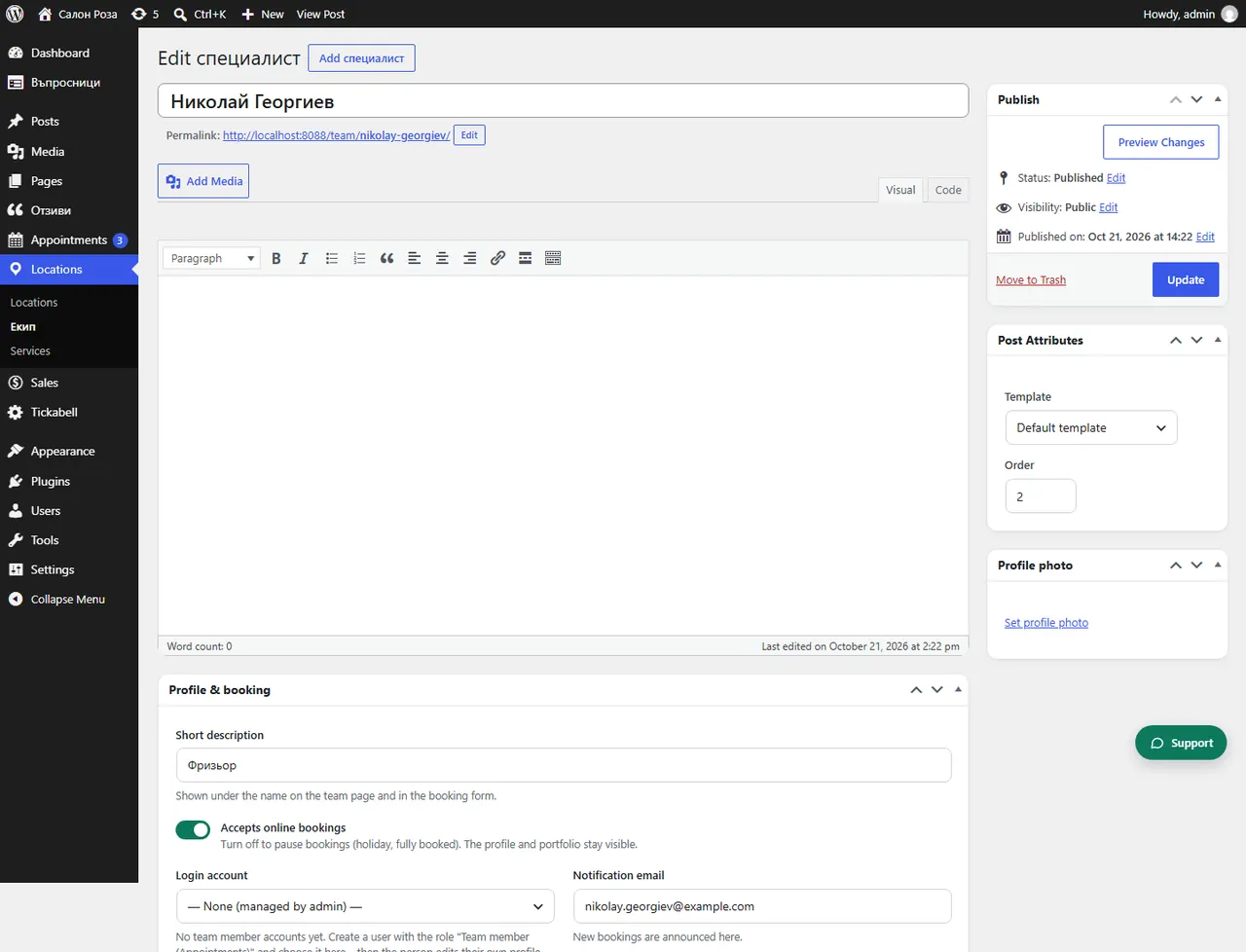
Where: Locations›Team›(team member)›Portfolio
Steps
- Open Locations › Team and the person.
- Under “Portfolio” press “Add images”.
- Drag the photos to put them in order. The first ones are shown at the front.
- Click the label under a photo to choose which services it is for. Clients see only the work for the service they are booking. Photos without a service are shown everywhere.
- Save.
Good to knowYou can also give the photos your own categories, for example tattoo styles. Visitors filter the portfolio by them. A team member can add photos themselves from their own account or from the app.
Related articles
- How do I add social networks and chat to the profile?
- How do I change my services, prices and portfolio from the phone?
Was this article helpful?