

What are options, for example short, medium and long hair?
Options are for one service where the client chooses: each option has its own time and price. For example, a massage of 40 minutes for €35 and of 60 minutes for €45.
Where: Locations›Services›(service)›Service details
Steps
- Open the service in Locations › Services.
- In “Options (e.g. 40 / 60 / 90 minutes)” press “Add an option”.
- Enter the minutes, the price and, if you like, a name, for example “Short hair”. An empty price means the service's price.
- Add as many options as you need and save.
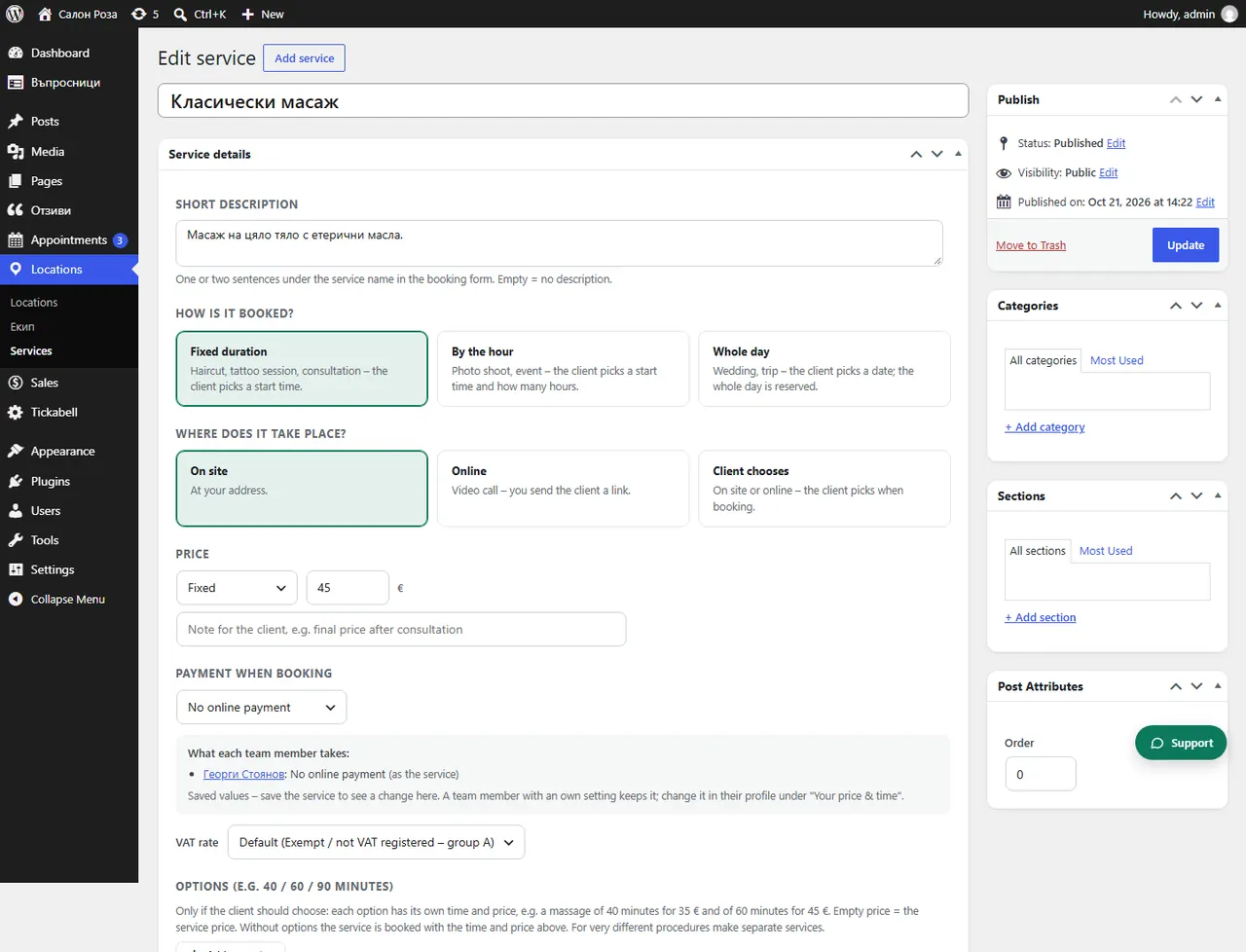
Good to knowWithout options the service is booked with the time and price of the service. For very different treatments it is better to make separate services.
Related articles
Was this article helpful?