

How do I confirm a new request?
Open the request and press “Confirm appointment”. The client gets an email saying the appointment is confirmed.
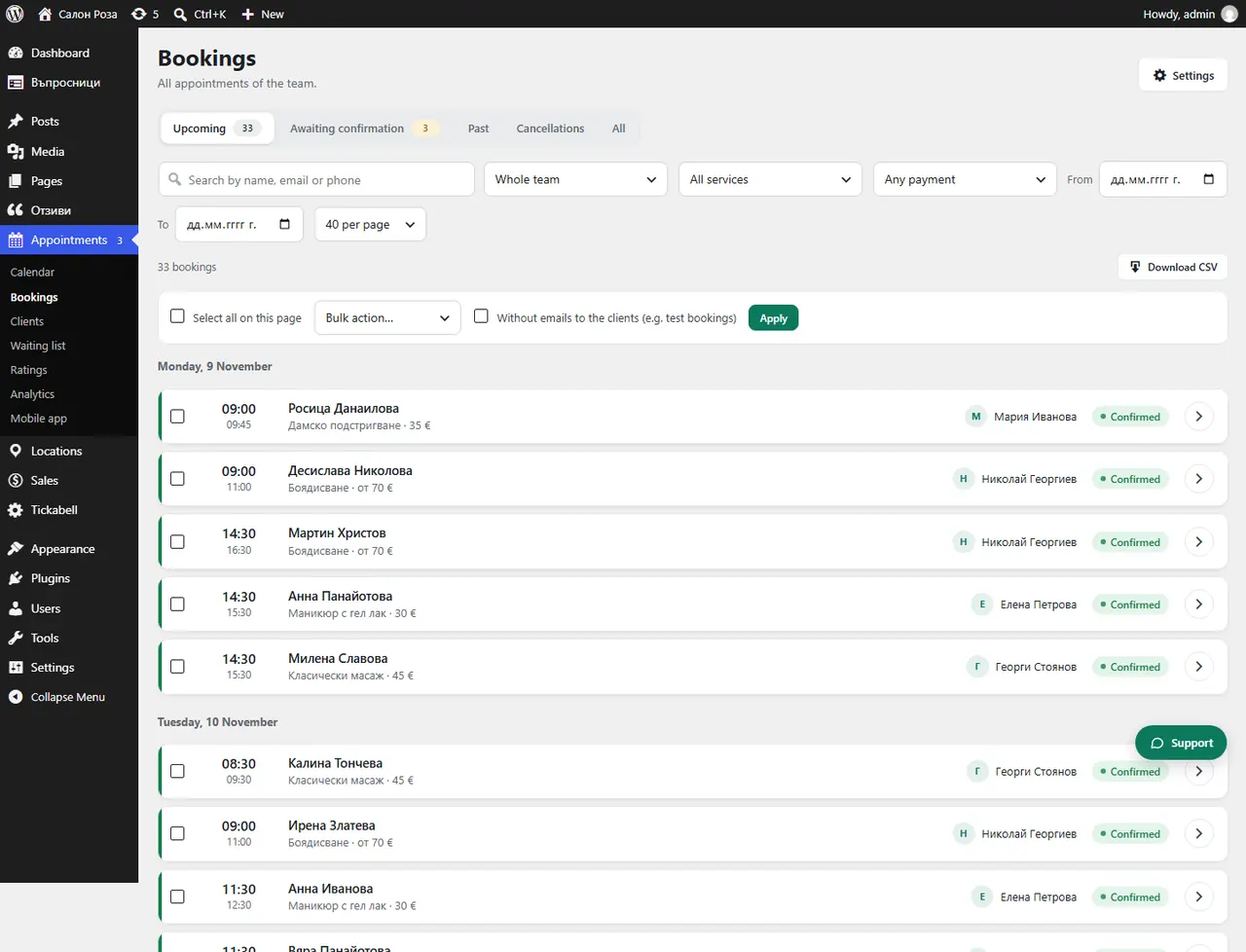
Where: Appointments›Bookings›Awaiting confirmation›Confirm appointment
Steps
- Open Appointments › Bookings, the “Awaiting confirmation” view.
- Open the request.
- If the service has levels of complexity, choose the level.
- Press “Confirm appointment”.
Good to knowWhile the request is waiting, the time is held in the calendar and nobody else can take it. Confirming by hand is switched on with “Approval” in the Booking rules. Requests can also be confirmed in the mobile app, under “Requests”.
Related articles
- What is a level of complexity and how do I choose it when confirming?
- Manual or automatic confirmation?
- How do I confirm a request from the phone?
Was this article helpful?